
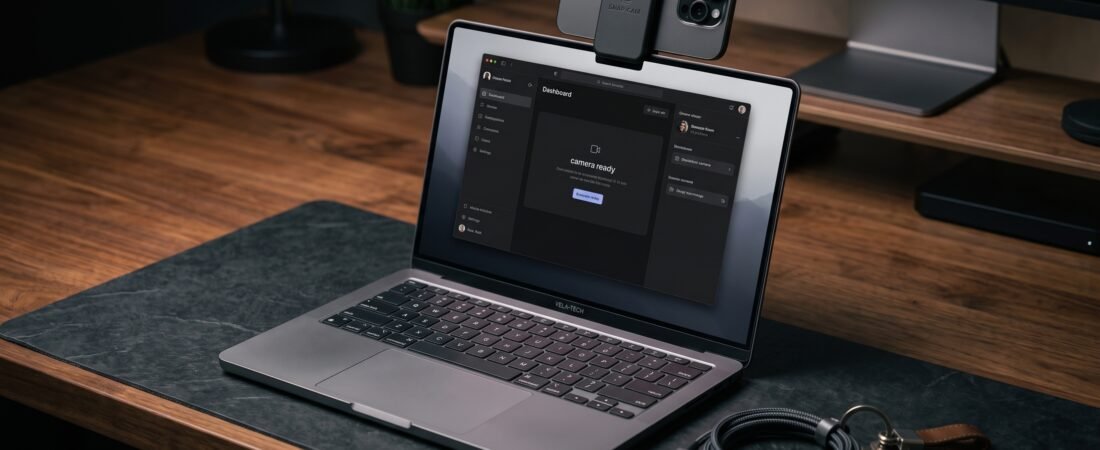
Built-in laptop webcams can struggle with low-light noise, backlighting, and limited framing options. Apple’s Continuity Camera feature lets compatible Macs use an iPhone as a camera source, making it useful for video calls, meetings, and content creation. Choosing one of the best MagSafe laptop mounts and Continuity Camera clips can make it easier to position your iPhone at a comfortable angle without relying on a separate webcam.
Top Selections at a Glance
- Our Top Pick: Belkin MagSafe iPhone Mount — A straightforward option for compatible MacBook setups.
- Best Dual-Screen Choice: Rolling Square Edge Mount — Side-mounting design for a second-screen workflow.
- Best For Monitors: CloudValley Universal Clip — A mount designed for larger display setups.
In This Guide
MagSafe Laptop Mount Lineup
| Product | Mounting Type | Compatibility | Key Feature | Direct Link |
|---|---|---|---|---|
|
Belkin iPhone Mount
★ Top Pick
|
Top Bezel Hook | MacBook Air / Pro | Integrated Ring Grip & Stand | View Deal ↗ |
| Rolling Square Edge | Adhesive Side Arm | Laptops & External Displays | Dual-screen eye-level workflow | View Deal ↗ |
| CloudValley Clip | Top Bezel Clamp | iMac & Desktop Monitors | Wide-lip clamp for larger panels | View Deal ↗ |
| Stouchi Aluminum Mount | Secure Bezel Hook | MacBook & Slim Laptops | Aluminum construction | View Deal ↗ |
Hardware Compatibility Note: For Continuity Camera and related features, verify your device compatibility in the official Apple Continuity Camera Documentation →
How We Choose These Mounts
We compare MagSafe laptop mounts and Continuity Camera accessories based on how well they address practical mounting and positioning needs. Our evaluation considers published product information, specifications, compatibility, design, ease of use, and overall value rather than laboratory or hands-on testing.
What we look at
- Functionality: Does the mount solve a useful positioning or workspace problem?
- Compatibility: Is it suitable for the laptop, monitor, phone, or setup it is intended for?
- Mounting design: Does the attachment method fit the intended use without adding unnecessary complexity?
- Build and materials: Do the stated materials and construction fit the product’s intended role?
- Ease of use: Is it practical to position, adjust, remove, or use as part of a daily setup?
- Overall value: Does the expected benefit make sense relative to the product’s cost?
1. Belkin MagSafe iPhone Mount: The Official Standard (★ 9.7/10)
Why We Recommend It:
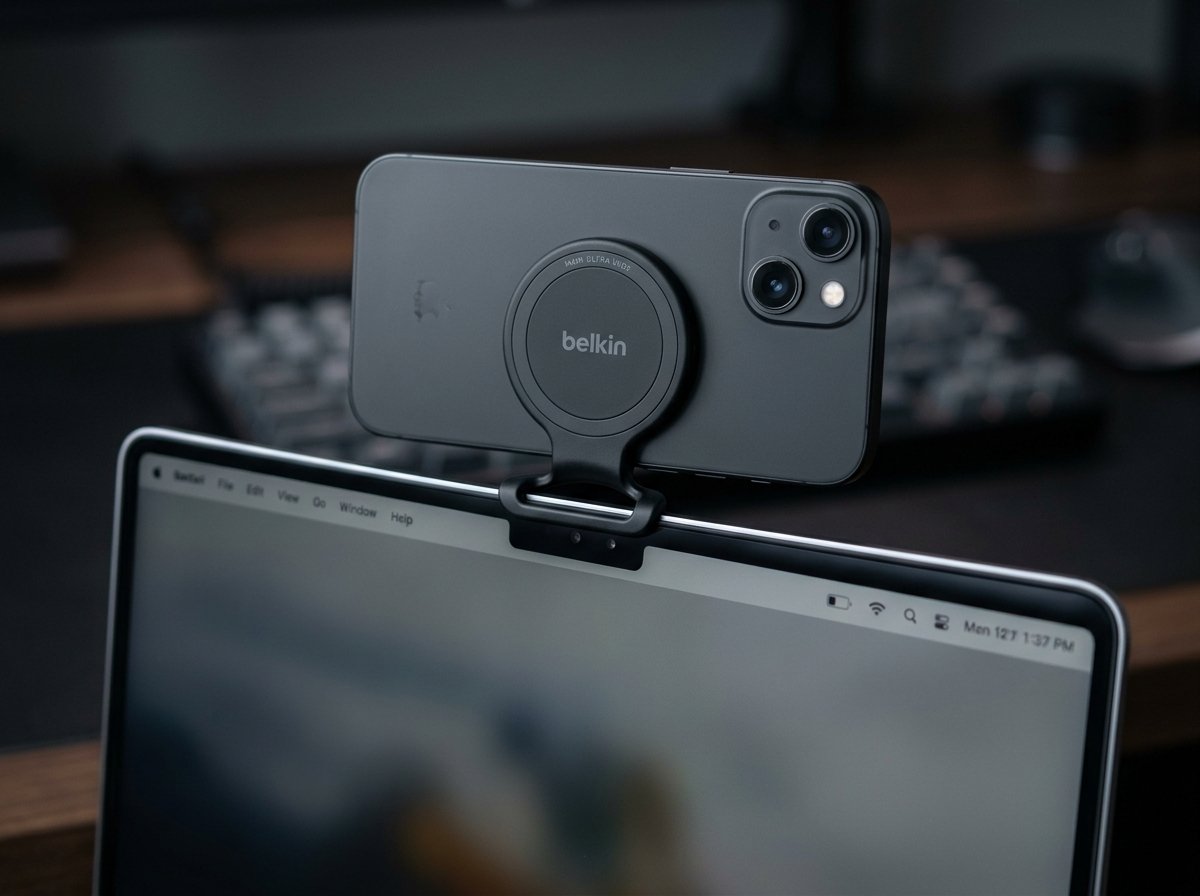
The Belkin MagSafe iPhone Mount is designed for compatible MacBook and Continuity Camera setups. Its compact form factor places the iPhone above the display while keeping the setup relatively simple.
When you are away from your desk, the central ring can also function as a phone grip or kickstand depending on how it is positioned. This gives the mount some flexibility beyond its primary laptop use.
✓ Pros
- Simple top-mounted setup for compatible MacBook models
- Can double as a ring grip and angled desktop kickstand
- Compact design for a clean laptop setup
✕ What We Don’t Like
- Primarily suited to compatible MacBook-style mounting rather than thick desktop monitors
Who Should Buy: MacBook users looking for a compact mount designed around a simple magnetic setup.
Who Should Skip: Desktop monitor users or people using laptops that are not suited to this mounting style.
2. Rolling Square Edge Mount: Best for Dual-Screen Productivity (★ 9.3/10)
Why We Recommend It:
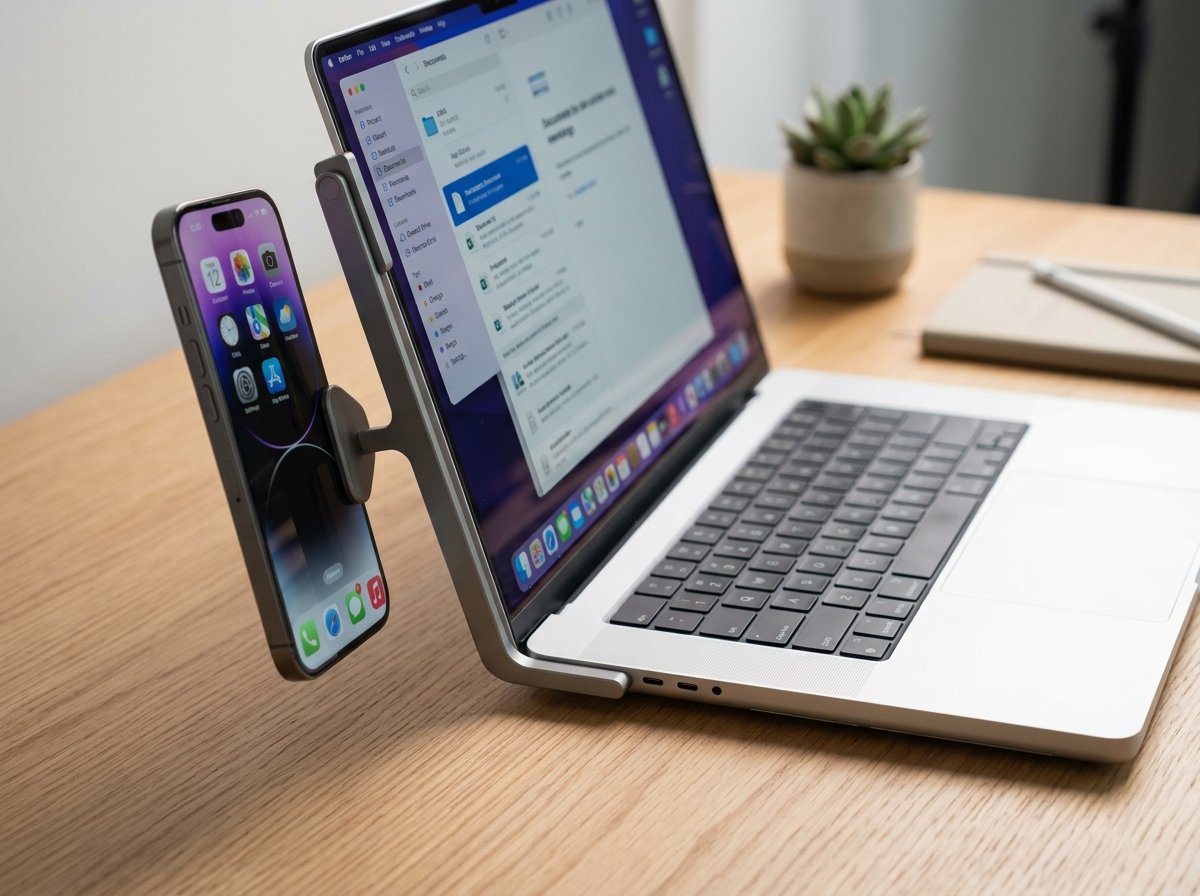
Unlike traditional top-mounted clips, the Rolling Square Edge Mount uses a slim side-mounting design that positions your iPhone beside the display. This can be useful if you want to keep your laptop’s top bezel clear or use your phone as a secondary information screen.
The adjustable magnetic positioning gives you flexibility when setting the phone angle for calls or other desk-based tasks.
✓ Pros
- Side positioning can support a dual-screen workflow
- Slim profile is convenient for portable setups
- Useful for users who want to keep the top laptop bezel clear
✕ What We Don’t Like
- Requires an adhesive-based mounting approach that may not suit every user
Who Should Buy: Multi-taskers who want their phone positioned beside their laptop display as an additional screen.
Who Should Skip: Users who prefer completely adhesive-free laptop accessories.
Pair this mount with our guide to slim MagSafe power banks if you want a cleaner, more portable mobile workstation.
3. CloudValley Universal Magnetic Mount: Best for Thick Desktop Monitors (★ 9.0/10)
Why We Recommend It:
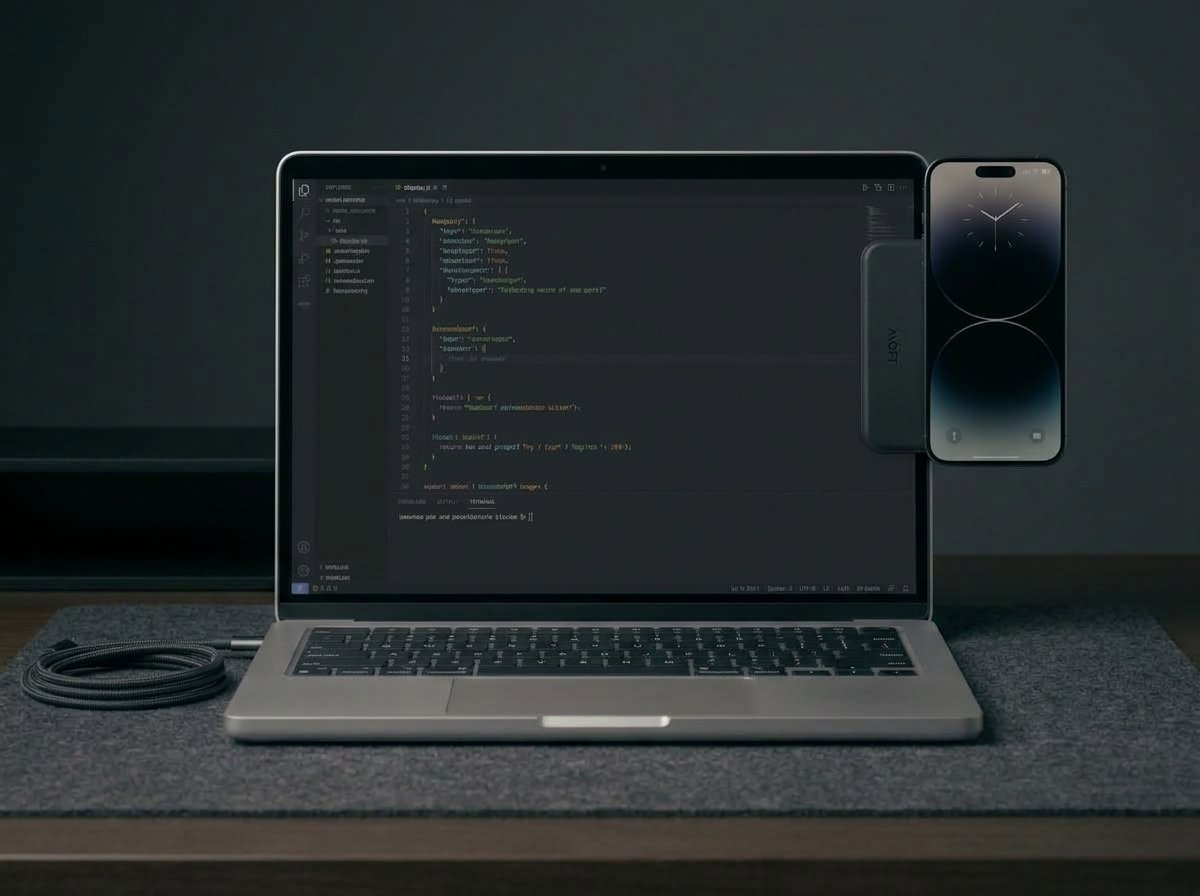
If you use an external display rather than a thin laptop lid, a mount designed around a wider clamping area can be more practical. The CloudValley Universal Mount is positioned as an option for users who need more flexibility around larger display panels.
Its magnetic mounting design is intended to make phone positioning easier while keeping the display area relatively uncluttered.
✓ Pros
- Designed with larger display setups in mind
- Magnetic mounting can simplify phone positioning
- Useful alternative to laptop-only mounting designs
✕ What We Don’t Like
- Bulkier than some slim laptop-focused mounting options
Who Should Buy: Desktop monitor, iMac, and external display users looking for a more flexible phone-mounting option.
Who Should Skip: Users working exclusively with thin portable laptops who want the smallest possible clip.
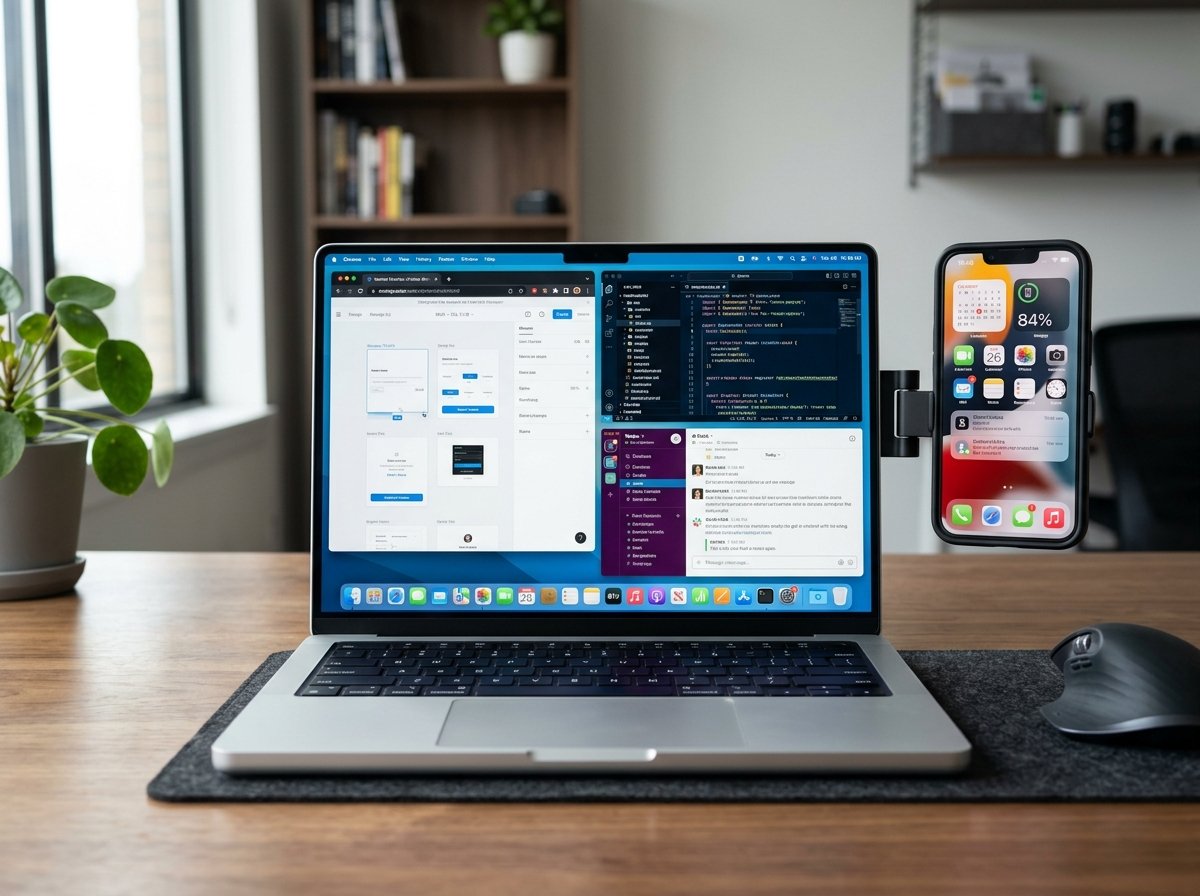
4. Stouchi Aluminum Mount: The Minimalist Heavy-Duty Pick
Why We Recommend It:
For users who prefer an aluminum construction, the Stouchi Aluminum Continuity Camera Mount offers a more substantial alternative to lightweight plastic clips. Its metal-focused design can also fit well with a minimalist desk setup.
The magnetic mounting system is designed to hold a compatible iPhone in position for video calls and other desk-based uses.
✓ Pros
- Aluminum construction for users who prefer a metal mount
- Magnetic mounting keeps the setup visually simple
- Minimalist appearance suited to professional desk setups
✕ What We Don’t Like
- Slightly heavier than lightweight plastic alternatives
Who Should Buy: Professionals looking for an aluminum mounting option with a clean, minimalist appearance.
Who Should Skip: Users who prioritize the lightest possible accessory for travel.
Frequently Asked Questions
Do MagSafe laptop mounts damage computer screens?
Mounting safety depends on the specific product, laptop, and attachment design. Look for mounts with protective contact surfaces and follow the manufacturer’s compatibility and installation instructions rather than assuming every mount is suitable for every display.
Can I use Continuity Camera without a MagSafe case?
Continuity Camera itself does not require a MagSafe case, but a magnetic mount may require a compatible magnetic connection. If your iPhone or case does not provide the required magnetic connection, check the mount’s compatibility requirements before buying.
Final Buying Verdict
For MacBook owners looking for a straightforward Continuity Camera mounting option, the Belkin MagSafe Mount is the easiest place to start. If you prefer an aluminum alternative with a more substantial design, the Stouchi Aluminum Mount is worth considering.
View Top Recommended Belkin Mount ↗