
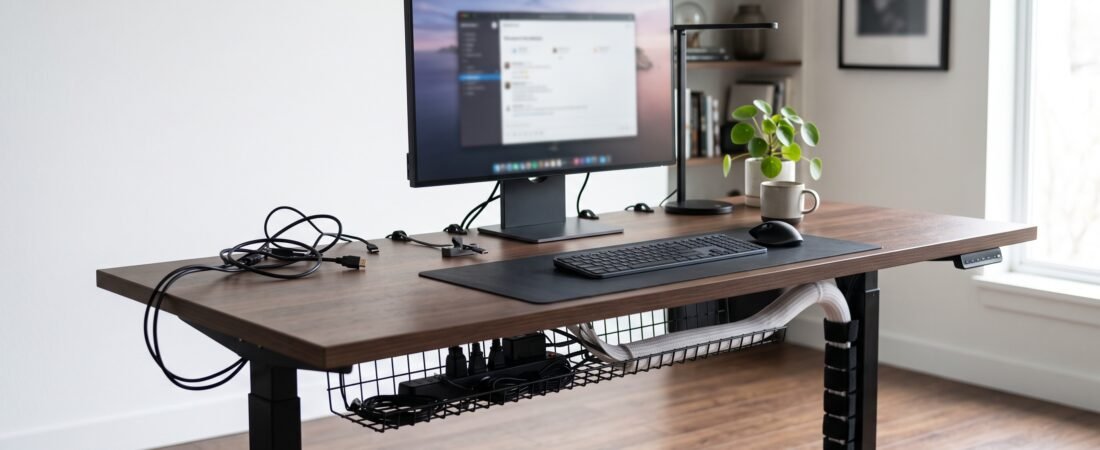
Looking for the best cable management solutions? A clean desk can make your workspace feel better almost instantly. But even a minimalist setup can look messy when charging cables, monitor wires, power strips, and adapters are scattered everywhere. The good news? You don’t need an expensive desk makeover to fix it. The right cable management solution can hide bulky cables, keep frequently used cords within reach, and make your desk much easier to maintain.
Top Selections at a Glance
- Our Top Pick: Yecaye Under Desk Tray — Best overall clamp-on tray.
- Standing Desk Choice: VIVO Vertebrae Kit — Best flexible vertical spine.
- Cable Runs Choice: JOTO Cable Sleeve — Best zipper bundling solution.
- Charging Cable Choice: Sinjimoru Magnetic Holder — Best for keeping charging cables within reach.
- Individual Cable Choice: SOULWIT Cable Clips — Best for routing single cables neatly.
In This Guide
|
Cable Management Comparison & Technical Specs
Scroll right →
|
||||
|---|---|---|---|---|
| PRODUCT | KEY BENEFIT | INSTALLATION | BEST FOR | LINK |
| Yecaye Under Desk Tray ★ TOP PICK | Lifts power strips & heavy bricks | No-drill clamp-on | Best Overall | View Deal ↗ |
| VIVO Vertebrae Kit | Flexible height adjustment routing | Under-desk plate | Standing Desks | View Deal ↗ |
| JOTO Cable Sleeve | Conceals long exposed wire bundles | Zipper sleeve | Cable Runs | View Deal ↗ |
| Sinjimoru Magnetic Holder | Prevents charging cords from sliding off | Adhesive + Magnetic | Charging Cables | View Deal ↗ |
| SOULWIT Cable Clips | Pins individual peripheral wires along edges | Self-adhesive | Cable Routing | View Deal ↗ |
1. Yecaye No-Drill Under Desk Cable Management Tray — Best Overall Cable Management Solution
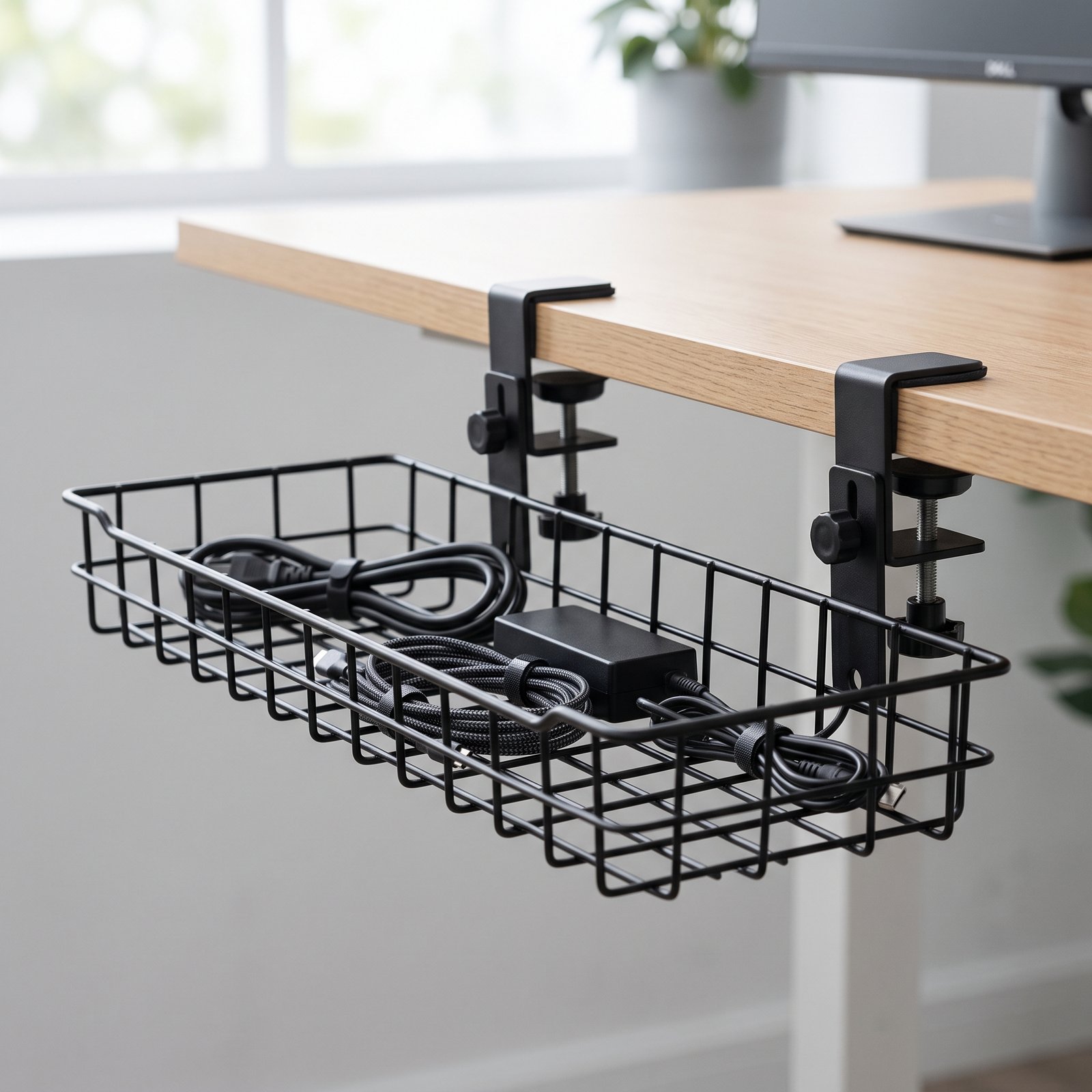
Why We Recommend It:
If your biggest problem is a power strip, adapters, and several cables hanging underneath your desk, start here. The Yecaye No-Drill Under Desk Cable Management Tray gives you a dedicated place to keep bulky power-related cables off the floor and out of sight. The biggest advantage is the no-drill installation. Instead of permanently modifying your desk, the included clamps attach underneath the desktop, making it ideal for renters and clean minimalists.
✓ Pros
- No-drill clamp installation
- Lifts power strips and adapters off the floor
- Sturdy metal construction
✕ What We Don’t Like
- Requires checking desk thickness compatibility beforehand
Who Should Buy: Anyone dealing with power strips and tangled adapters hanging under the desk.
Who Should Skip: Desks with unique bevels or lips where clamp-on trays cannot securely attach.
Pairing your cable management setup with ergonomic gear? Explore our curated benchmark of the Best Ergonomic Desk Accessories to build an aligned, pain-free workstation.
2. VIVO Vertebrae Cable Management Kit — The Standing Desk Essential
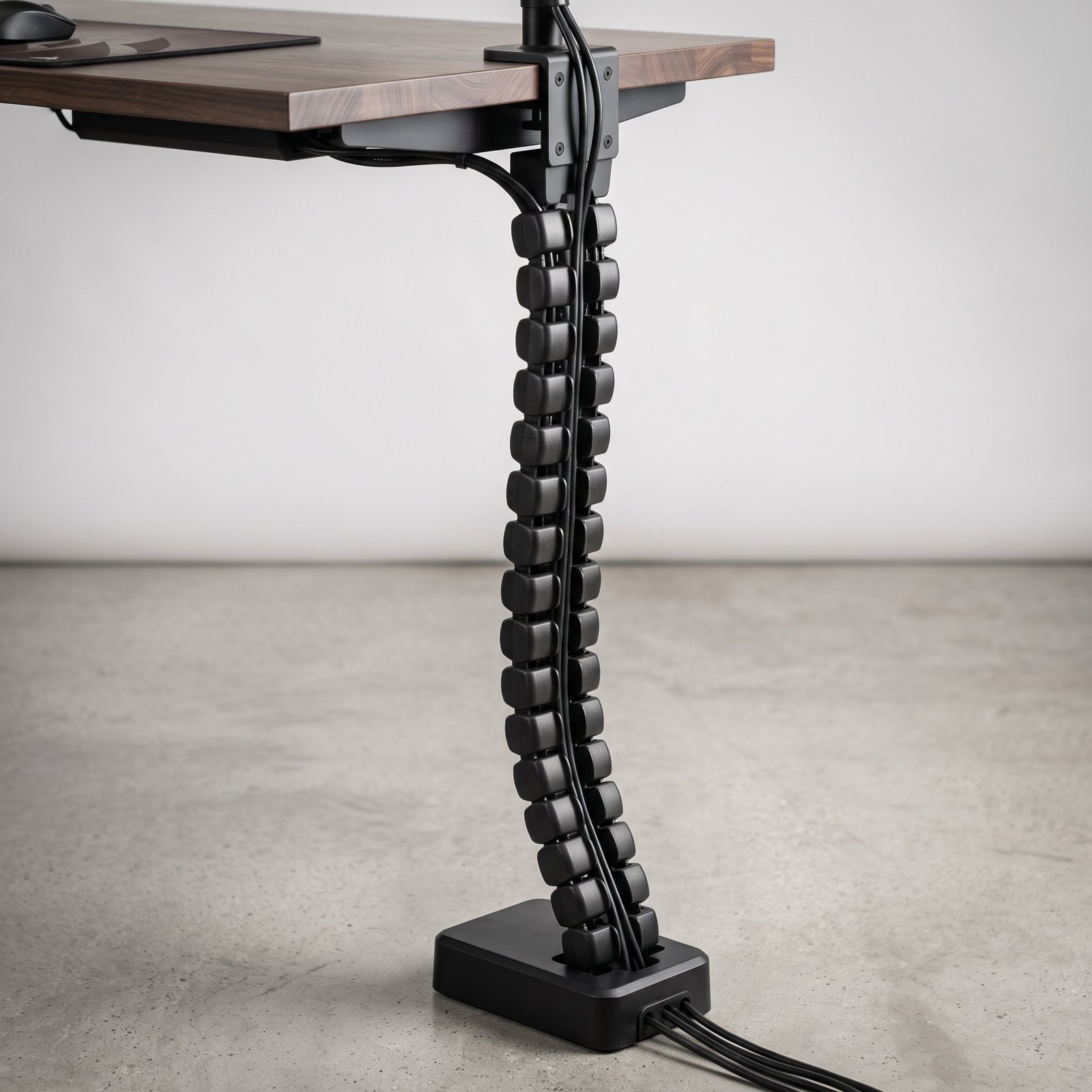
Why We Recommend It:
Standing desks create a unique cable-management problem. When the desk moves up and down, cables need enough flexibility to move with it without becoming a tangled mess. The VIVO Vertebrae is designed to organize cables vertically between the desk and the floor while allowing the cable bundle to move as the desk changes height.
✓ Pros
- Designed specifically for height-adjustable desks
- Flexible vertical movement
- Much cleaner appearance than loose cable bundles
✕ What We Don’t Like
- Requires careful segment adjustment for exact desk height
Who Should Buy: Standing desk owners with multiple monitor, power, and USB cables.
Who Should Skip: Traditional stationary desks that do not change height.
3. JOTO Cable Management Sleeve — The Cable Run Solution
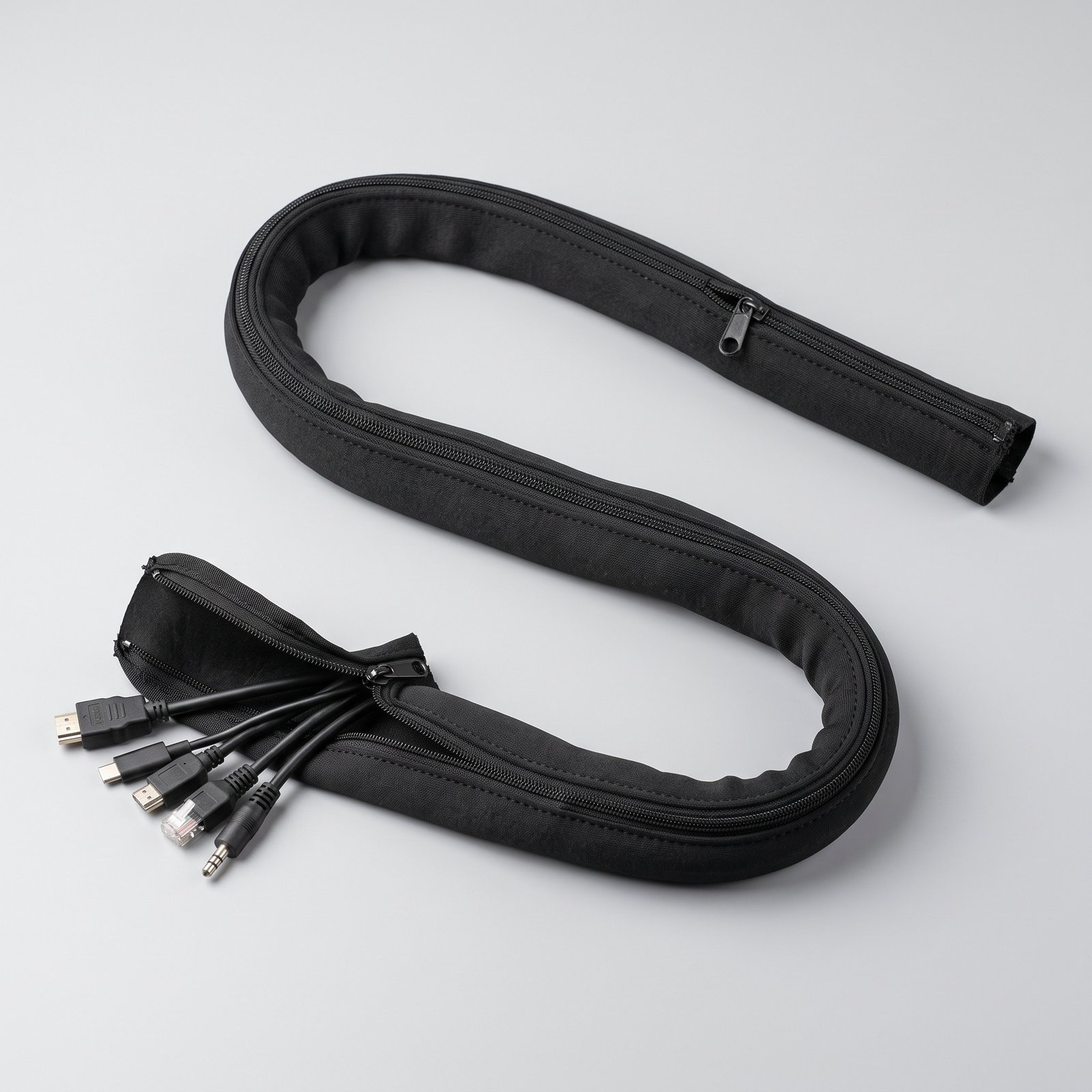
Why We Recommend It:
Sometimes the problem isn’t the power strip. It’s the long bundle of cables running from your desk to the computer, monitor, wall outlet, or another device. The JOTO Cable Management Sleeve wraps multiple cables together, turning a messy group of individual wires into one much cleaner bundle.
✓ Pros
- Groups multiple long cables into one clean run
- Zipper-style design makes adding/removing wires easy
✕ What We Don’t Like
- Doesn’t replace an under-desk tray for holding heavy power bricks
Who Should Buy: Users with long, exposed cable runs traveling in the same direction.
Who Should Skip: Short, hidden cables that do not require bundling.
Tired of bulky desk lamp cords taking up desktop real estate? A monitor-mounted light bar frees up space while keeping wires routed discreetly behind your screen. Read our full guide on the Best Monitor Light Bars for Clean Desk Setups.
4. Sinjimoru Magnetic Cable Holder — The Everyday Charging Fix
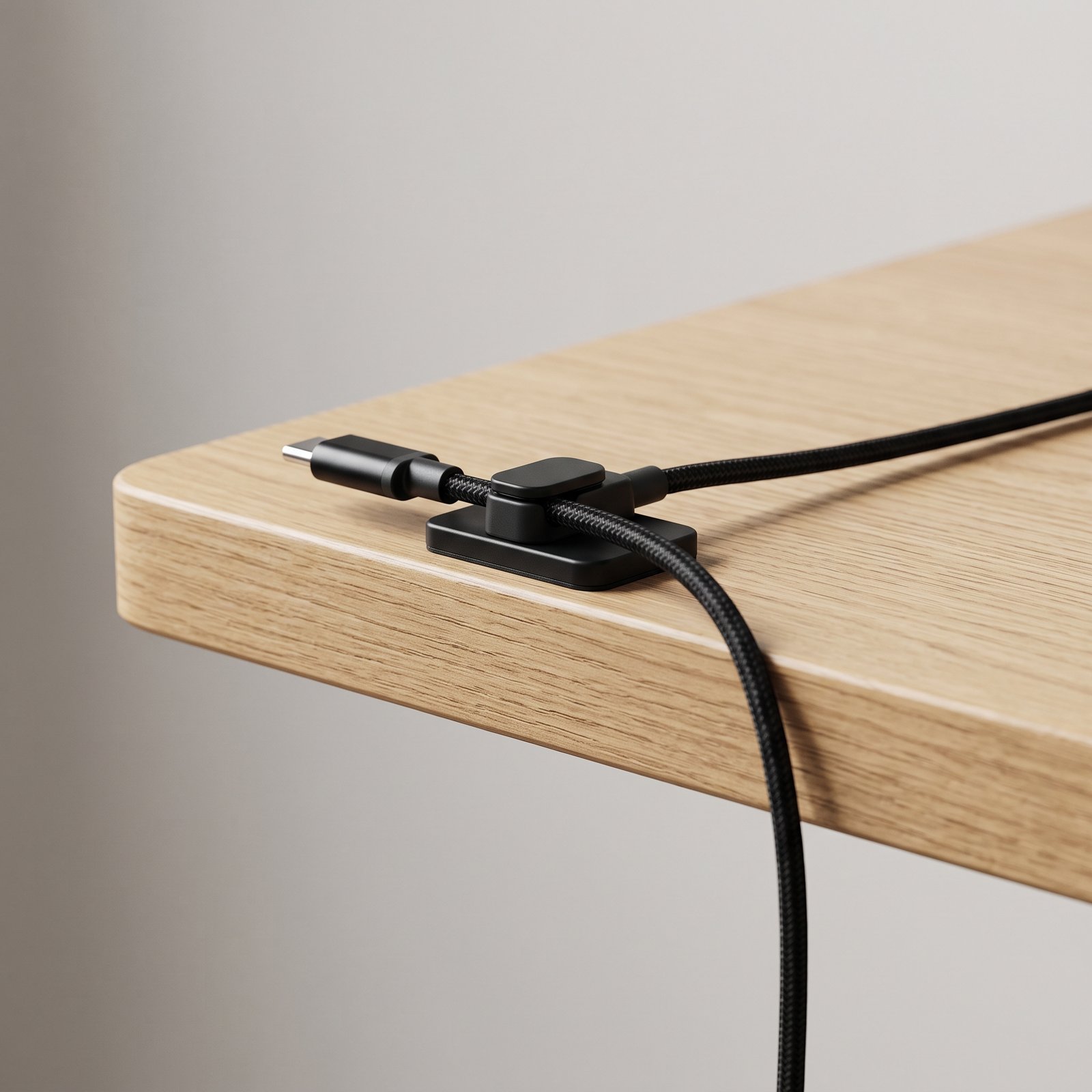
Why We Recommend It:
If your desk is mostly clean but your charging cables are constantly falling behind it, you don’t need a large cable-management system. You need a small cable holder. The Sinjimoru Magnetic Cable Holder is designed to keep frequently used charging cables in a predictable spot instead of letting them slide off the edge of your desk.
✓ Pros
- Stops charging cables from sliding off the desk
- Compact, minimalist footprint with quick access
✕ What We Don’t Like
- Not built for heavy power cords or thick multi-device cables
Who Should Buy: Anyone constantly picking up phone, tablet, or smartwatch charging cables off the floor.
Who Should Skip: Setups where charging cords are permanently plugged in and never adjusted.
5. SOULWIT Cable Management Clips — The Precision Routing Dial
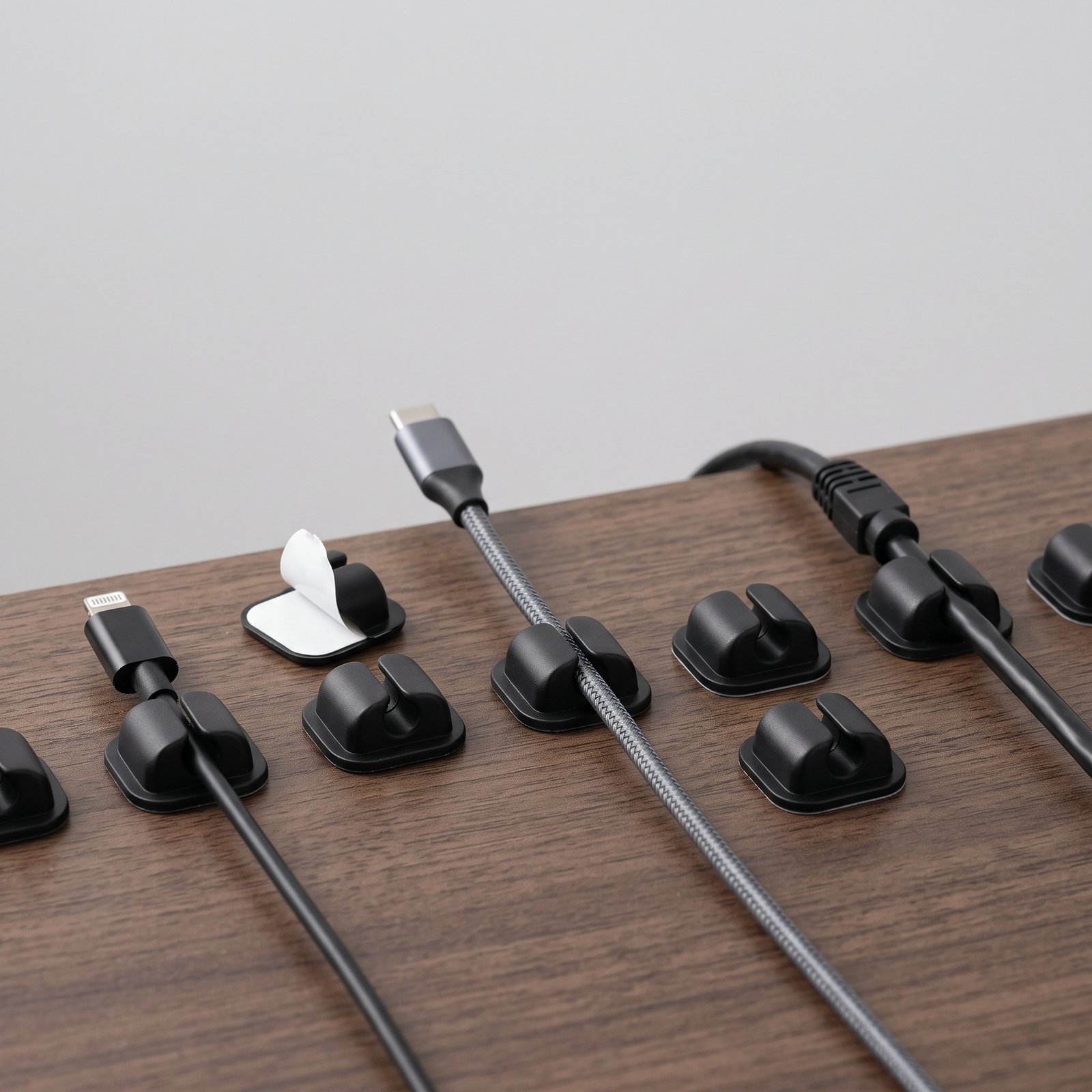
Why We Recommend It:
Not every cable needs to disappear. Sometimes you simply need to keep it where it belongs. SOULWIT’s adhesive cable clips are useful for routing individual cables along the edge or underside of a desk, wall, cabinet, or other suitable surface. This makes them ideal for monitor wires, USB cords, and Ethernet cables.
✓ Pros
- Simple peel-and-stick adhesive application
- Great for routing individual peripheral cords along clean paths
✕ What We Don’t Like
- Adhesive bond depends on clean surface preparation
Who Should Buy: Users looking to pin down stray peripheral and monitor wires along desk edges.
Who Should Skip: Textured or dusty surfaces where adhesives fail to bond properly.
Frequently Asked Questions
Do I need to drill holes for a cable tray?
Not necessarily. Options like the Yecaye tray use heavy-duty desk clamps that require zero drilling.
How do I stop cables from sliding off my desk?
A compact magnetic holder like Sinjimoru keeps your daily charging heads locked right on the desk surface.
What is the single best cable management solution for beginner setups?
Start with a clamp-on under-desk tray. It hides the largest power brick and multi-plug strip instantly, solving roughly 80% of your visual cable clutter before you even begin fine-tuning individual wires.
Final Verdict
A cleaner desk doesn’t require a complete workspace makeover. The key is choosing a cable-management solution that matches the problem you’re actually trying to solve. For standard desks with messy power strips, choose the Yecaye Tray. For standing desks, go with the VIVO Vertebrae. Use the JOTO Sleeve for long cable runs, the Sinjimoru Holder for charging cords, and SOULWIT Clips for routing individual cables.
See the Top Cable Management Pick on Amazon ↗