
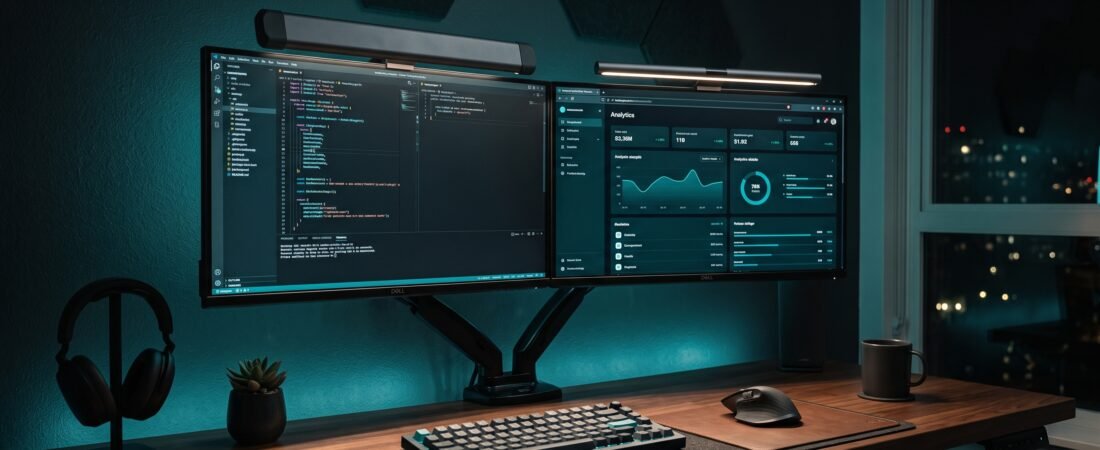
Looking for the best monitor light bar for your setup? Not every expensive monitor light bar is automatically a better buy. The goal is not to call expensive products “bad.” Instead, we want to identify where premium features are genuinely useful and where a less expensive option may offer enough of the same core functionality.
This guide compares each best monitor light bar candidate based on practical factors such as light direction, screen reflections, monitor compatibility, brightness and color-temperature control, wireless vs. touch controls, desk footprint, curved-monitor support, power requirements, and overall value for a typical home-office desk.
Top Light Bar Selections at a Glance
- Value Sweet Spot: Xiaomi Mi Light Bar — Strong core features without the premium price.
- Budget Pick: Quntis ScreenLinear Pro — Best affordable asymmetric desk lighting.
- Premium Benchmark: BenQ ScreenBar Pro — Best for wide, curved, or more demanding monitor setups.
- Caution for Specific Setups: BenQ ScreenBar Halo — Premium dual lighting that isn’t necessary for every desk.
In This Guide
- 1. Premium Benchmark — BenQ ScreenBar Pro
- 2. Value Sweet Spot — Xiaomi Mi Computer Monitor Light Bar
- 3. Budget Pick — Quntis ScreenLinear Pro
- 4. Caution for Specific Setups — BenQ ScreenBar Halo
- Side-by-Side Recommended Lineup
- What Actually Matters When Choosing the Best Monitor Light Bar
- Hype vs. Reality: BenQ ScreenBar Halo
- Final Editorial Principle
|
Monitor Light Bar Lineup & Editorial Angles
Scroll right →
|
||||
|---|---|---|---|---|
| ROLE | PRODUCT | EDITORIAL ANGLE | CONTROLS | ACTION |
| ★ TOP VALUE | Xiaomi Mi Light Bar | Strong core features without premium pricing | 2.4-GHz Wireless Dial | View Deal ↗ |
| BUDGET | Quntis ScreenLinear Pro | Affordable asymmetric desk lighting | Touch Sensor (Auto-dim) | View Deal ↗ |
| PREMIUM | BenQ ScreenBar Pro | Wider compatibility and more advanced controls | Ultrasonic Motion Sensor | View Deal ↗ |
| CAUTION | BenQ ScreenBar Halo | Premium lighting with useful extras, but not necessary for every desk | Wireless Rotary Remote | Specific Setups |
1. Premium Benchmark — BenQ ScreenBar Pro

Editorial Position: Premium Pick — Best for Wide or More Demanding Monitor Setups
As a benchmark for the best monitor light bar in the premium tier, the BenQ ScreenBar Pro represents the high end of workspace illumination. It combines asymmetric optics, automatic on/off detection, broad illumination, adjustable brightness and color temperature, and compatibility with flat, curved, and ultra-wide displays.
✓ Why It Stands Out
- Wide illumination path engineered for larger workspaces
- Refined asymmetric optical design designed to reduce screen reflections
- Automatic on/off detection via integrated ultrasonic sensor
- Broad compatibility across flat, ultra-wide, and curved displays
- Multiple discrete brightness and color-temperature presets
- Premium build construction and solid clamp mounting mechanism
✕ The Trade-Off
- Significantly higher cost than standard task lights
- For a basic single-monitor setup, extras may exceed what is actually needed
Editorial Verdict: Premium features make sense for users with ultra-wide, curved, or larger workspaces. For a basic desk, the additional cost may be harder to justify.
Routing your monitor light bar cables down behind the display arm? Explore our curated benchmark on the 5 Best Cable Management Solutions to eliminate dangling wires completely.
2. Value Sweet Spot — Xiaomi Mi Computer Monitor Light Bar
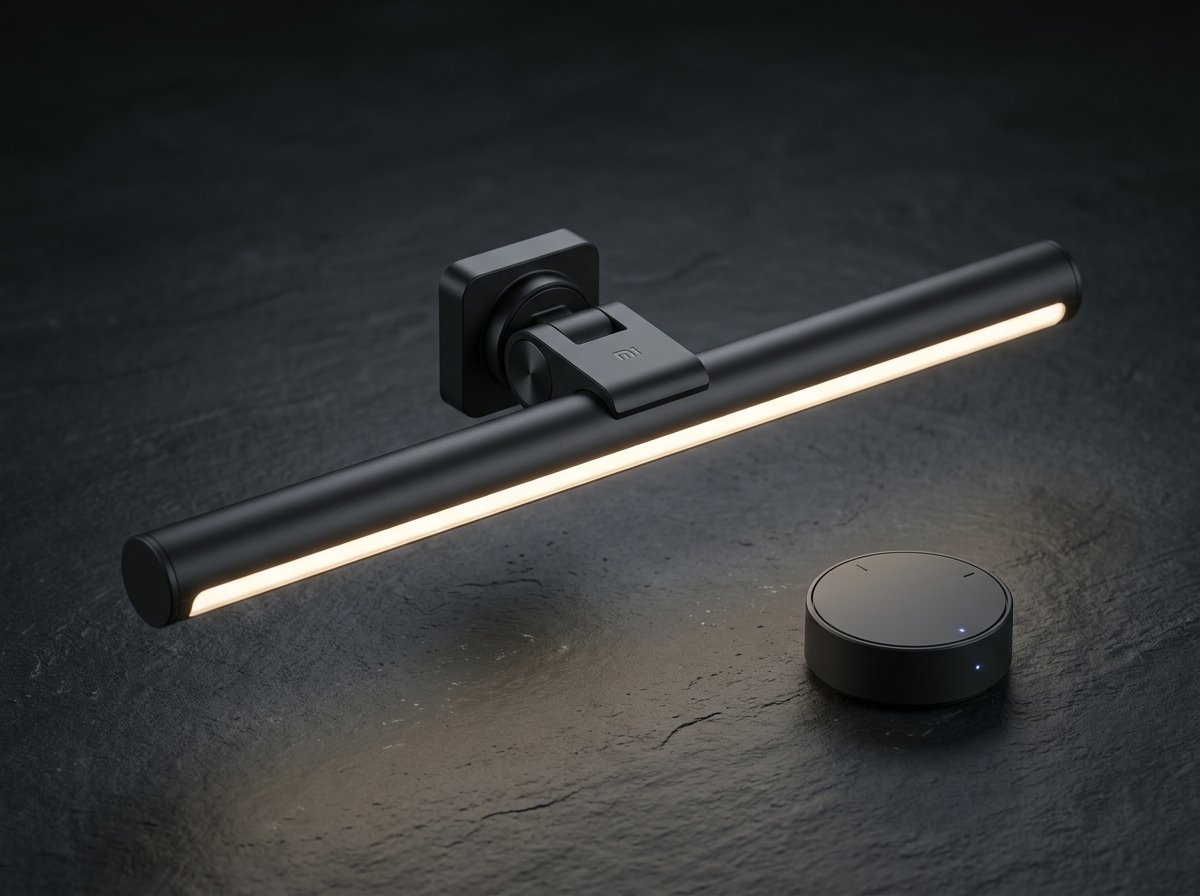
Editorial Position: Best Value — Strong Core Features Without the Premium Price
The Xiaomi Mi Computer Monitor Light Bar focuses on the features that matter most in a monitor light bar. Its official specifications include asymmetric lighting, a 2.4-GHz wireless remote, magnetic rotation, adjustable brightness and color temperature, and a Ra90 color-rendering rating.
✓ Why It Stands Out
- Asymmetric light path designed specifically to reduce screen reflections
- Convenient 2.4-GHz wireless rotary remote control for desk placement
- Magnetic mounting system allowing easy angle adjustments
- Smooth adjustable brightness and variable color temperature
- High Ra90 color-rendering rating
- Extremely minimal desktop footprint
✕ The Trade-Off
- Fewer premium extras than products such as the BenQ Halo or ScreenBar Pro
- Monitor compatibility should be verified (supports displays up to ~1.26 inches thick)
Editorial Verdict: For buyers who mainly want controlled monitor-mounted desk lighting, Xiaomi offers many of the core features without moving into premium pricing.
3. Budget Pick — Quntis ScreenLinear Pro
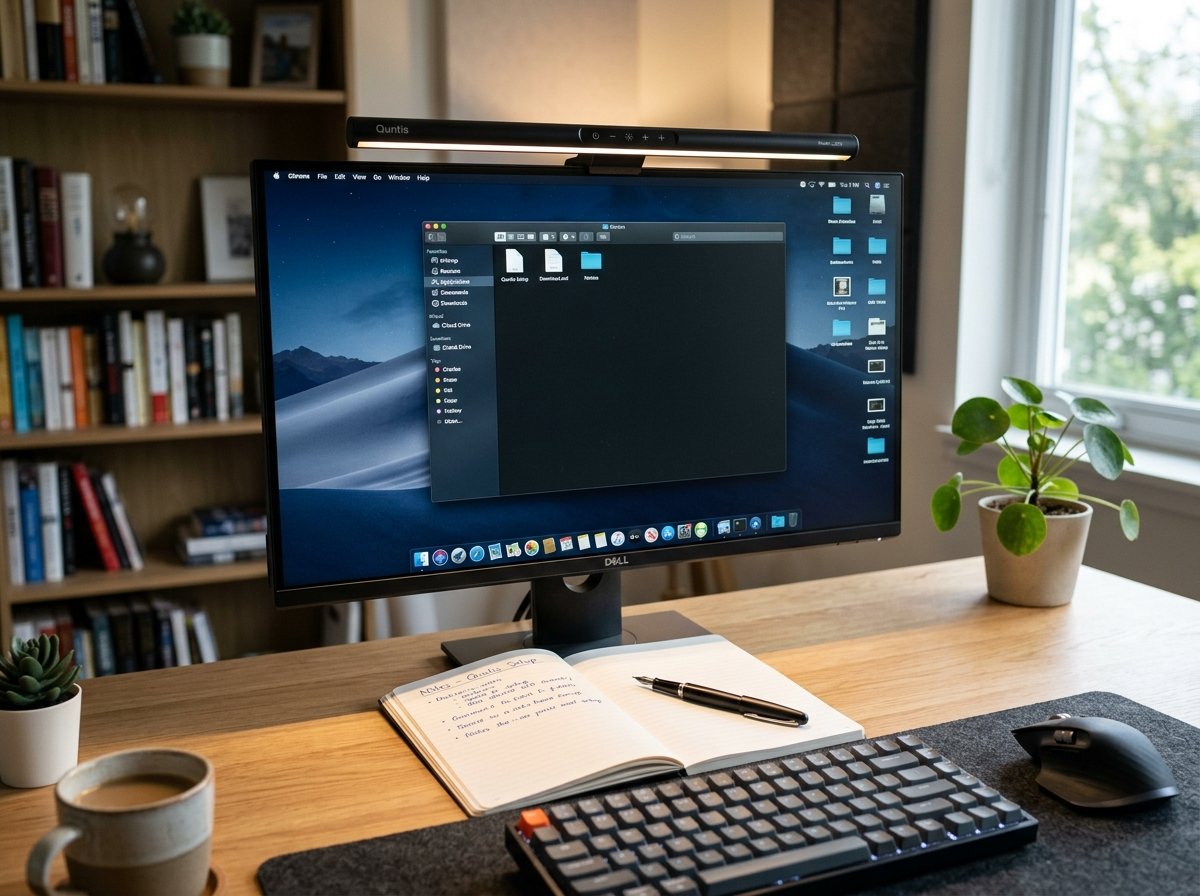
Editorial Position: Best Budget Workhorse — Affordable Asymmetric Lighting
For shoppers searching for the best monitor light bar on a practical budget, Quntis targets the accessible end of the market with monitor light bars that use asymmetric optical designs while keeping the price considerably lower than premium BenQ models. The ScreenLinear Pro line emphasizes directional lighting, adjustable brightness and color temperature, and screen-glare reduction.
✓ Why It Stands Out
- Lower-cost entry into directed monitor light bars
- Asymmetric optical design designed to reduce direct screen glare
- Step-less brightness and adjustable color temperature
- Compact monitor-mounted design saving desk space
- Useful, practical option for smaller or simpler desks
✕ Important Compatibility Check
- Not every Quntis model has the same monitor compatibility
- This ScreenLinear Pro variant is listed as unsuitable for curved monitors; check the exact model before ordering
Editorial Verdict: A practical budget option when your monitor is compatible and you mainly want directional desk lighting without premium extras.
4. Caution for Specific Setups — BenQ ScreenBar Halo
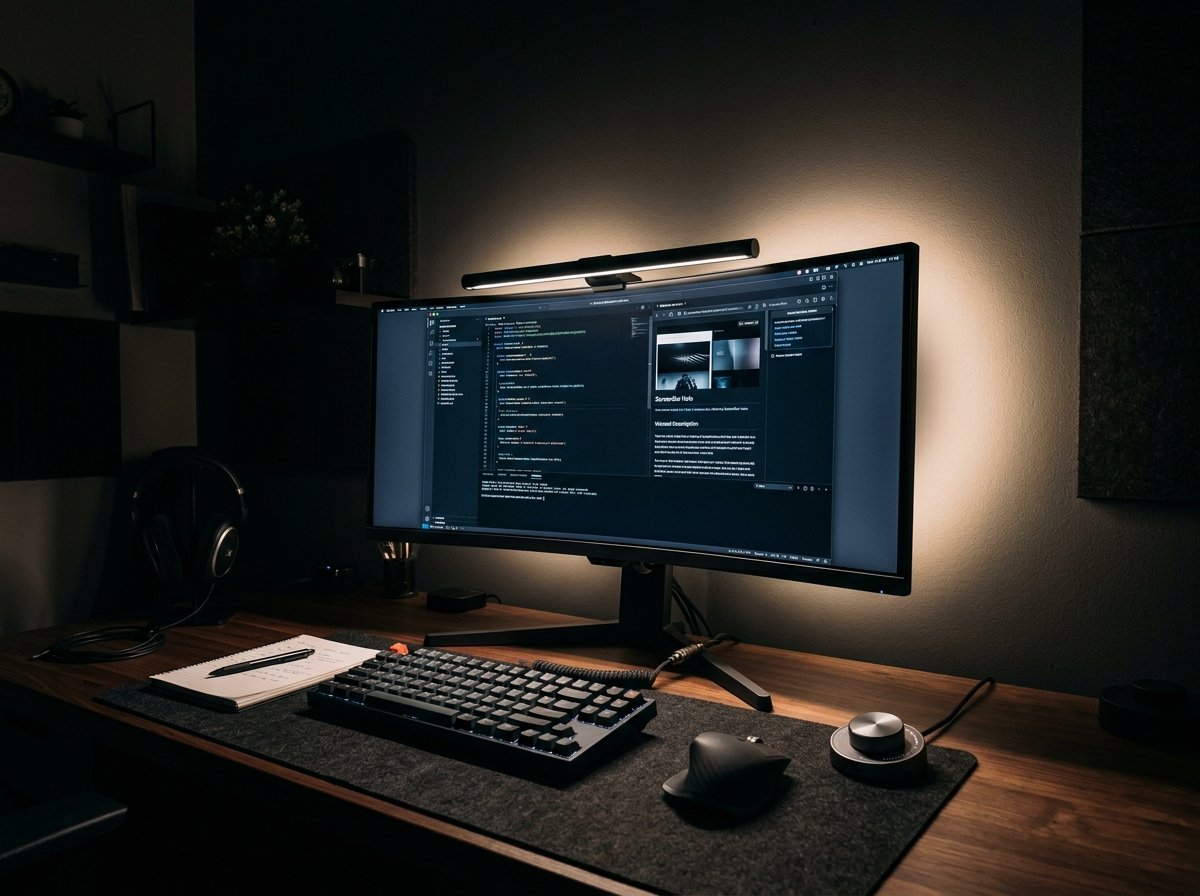
Editorial Position: Caution for Specific Setups — Premium Features, But Not Every Setup Needs Them
The BenQ ScreenBar Halo adds features that differentiate it from simpler monitor light bars, including rear illumination, a wireless controller, automatic dimming, and asymmetric front lighting. BenQ specifically positions the Halo around balancing front lighting with rear illumination in darker environments.
✓ Why People Like It
- Front + rear ambient lighting zones for high contrast reduction
- Wireless desktop controller
- Automatic dimming capabilities
- Curved-monitor compatibility with the included accessory adapter
✕ Why We Would Think Twice
- Mixed user feedback regarding controller responsiveness and wake-up latency
- Rear lighting effectiveness depends on the distance and surface behind your monitor.
Editorial Verdict: Worth considering for users who want the additional lighting and control features. Less compelling if you only need basic directional desk lighting.
What Actually Matters When Choosing the Best Monitor Light Bar
1. Prioritize the Light Pattern
Look for a well-designed asymmetric beam that directs light toward the desk rather than directly toward the display. The goal is not simply “more brightness”—the goal is useful light in the right place with minimal distracting reflection. A well-directed beam can help reduce distracting reflections while keeping useful light on your desk and keyboard.
2. Check Monitor Compatibility
Before buying, verify:
- Monitor thickness and bezel design
- Screen curvature rating (e.g., 1000R vs 1800R)
- Webcam positioning and rear chassis clearance
- Whether the included mounting clamp supports your display without slipping
This physical compatibility matters far more than brand reputation.
3. Wireless Controls Are Convenient — But Not Essential
A wireless dial can make brightness and color-temperature adjustments easier, especially if the light is mounted high on a large monitor. But it is an extra convenience rather than a strict requirement. If you normally set the light once and leave it alone, integrated touch controls are perfectly adequate.
4. Don’t Assume Expensive Means Better Value
Premium models can offer better mounting systems, wider illumination paths, rear lighting, more control, and refined optical designs. But those features only create value if you actually use them. For a straightforward single-monitor workspace, a less expensive asymmetric light bar may be entirely sufficient.
5. Use a Suitable Power Source
Monitor light bars are generally USB-powered, but power draw requirements vary by model. Inadequate or unstable power can cause inconsistent operation on some USB-powered lighting products. If that happens, use the manufacturer’s recommended external power source rather than assuming the light itself is defective.
Hype vs. Reality: BenQ ScreenBar Halo
Premium monitor lighting with wireless control, rear illumination, automatic dimming, and asymmetric optics.
Those features can be genuinely useful, but they are not equally valuable for every desk. Some users have reported issues involving controller responsiveness, brightness behavior, reflections, or particular monitor configurations, while other users report excellent lighting and glare control.
Don’t dismiss it—but don’t assume the premium price is automatically justified either.
Final Editorial Principle
We are not ranking products based on price alone. A $150 unit can be a better purchase for one workspace and completely unnecessary for another. If you are hunting for the best monitor light bar that simply provides focused, directional lighting without taking up desk space, a good mid-range or budget light bar may provide everything you actually need. If you have an ultra-wide screen or work in a dark room, premium models become easier to justify.
View Best Value Light Bar on Amazon ↗