
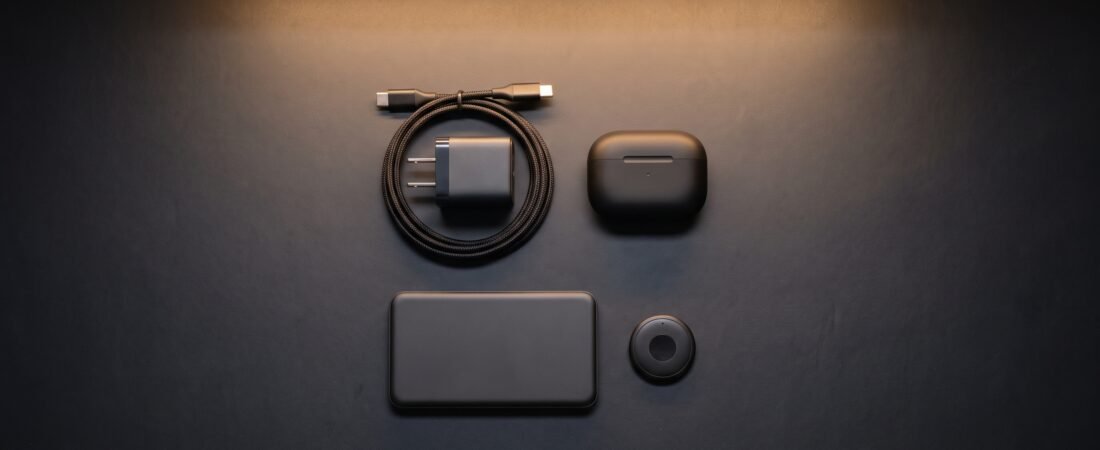
Building a high-performance desk setup doesn’t require spending hundreds of dollars on premium hardware. Finding the best budget tech essentials under $50 means looking for gear that can reduce everyday friction—from multi-port GaN chargers and monitor light bars to wireless audio and item trackers. Here are five budget-friendly picks selected for practical features, everyday usefulness, and overall value.
Top Selections at a Glance
- Top Power Pick: UGREEN Nexode 65W GaN — Compact 3-port charger with foldable prongs.
- Best Eye Care Lighting: Quntis LED Monitor Bar — Monitor-mounted desk lighting designed to help limit screen reflections.
- Best Value Audio: AOC Noise Cancelling Earbuds — Active noise cancellation with up to 45-hour total battery life.
In This Guide
Budget Tech Essentials Benchmark
| Product | Category | Key Advantage | Est. Price | Direct Link |
|---|---|---|---|---|
|
UGREEN Nexode 65W GaN
★ Top Pick
|
Power Adapter | 3 Ports (2C+1A) with foldable prongs | ~ $39 | View Deal ↗ |
| Quntis LED Monitor Bar | Eye Care Lighting | Screen-reflection control + touch dimming | ~ $34 | View Deal ↗ |
| AOC Wireless Earbuds | Wireless Audio | 39dB ANC & LED display case | ~ $39 | View Deal ↗ |
| UGREEN SmartTrack Finder | EDC Security | Apple Find My compatible tracker | ~ $19 | View Deal ↗ |
| Qi2.2 3-in-1 Charging Station | Power Dock | 25W Magnetic fast charging for Apple | ~ $45 | View Deal ↗ |
How We Choose These Products
We compare products based on the problem they solve, core features, compatibility, ease of use, design, and overall value. Our assessments use published product information and available specifications rather than hands-on laboratory testing.
- Practical usefulness: Does the product solve a real everyday problem?
- Features and workflow fit: Are the main features useful for the intended use?
- Compatibility: Does it work with the devices or platforms it targets?
- Ease of use: Is the product straightforward to set up and use?
- Design: Does the form factor make sense for a desk or everyday setup?
- Overall value: Do the features justify the typical price range?
Editorial Note: Scores shown on this page are editorial ratings, not laboratory test scores. Product features, compatibility, prices, and availability can change, so check the current product listing before buying.
Workplace Ergonomics Note: Proper workstation setup, including appropriate lighting and screen positioning, can contribute to a more comfortable work environment. See the OSHA Workstation Guidelines → for general workstation guidance.
1. UGREEN Nexode 65W GaN: Compact High-Speed Power (★ 9.8/10)
Why We Recommend It:
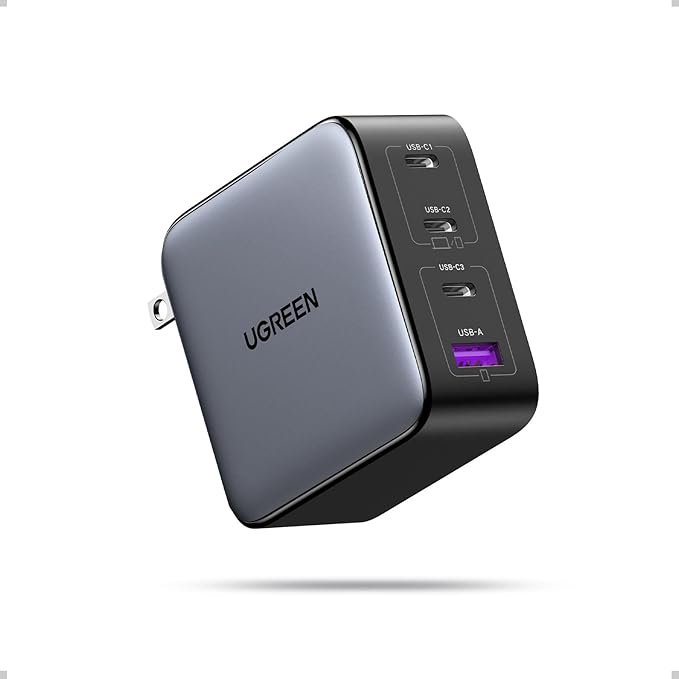
Carrying bulky OEM charging bricks for your laptop, tablet, and phone can add unnecessary weight to your daily bag. The UGREEN Nexode 65W GaN Charger uses Gallium Nitride semiconductor technology to provide high power output in a compact form factor.
Featuring two USB-C ports and one USB-A port with power distribution across connected devices, it can charge compatible laptops, phones, and other USB devices from a single charger. The exact charging speed depends on the connected device, cable, and port configuration.
✓ Pros
- Up to 65W total power output for compatible USB-C devices
- Compact GaN architecture with convenient foldable prongs
- Multiple ports for charging more than one device
✕ What We Don’t Like
- Charging cables must be purchased separately
Who Should Buy: Remote workers and travelers wanting a single compact wall charger for multiple compatible devices.
Who Should Skip: Users who only charge a single smartphone and don’t require higher wattage output.
2. Quntis LED Monitor Bar: Glare-Controlled Desk Illumination (★ 9.5/10)
Why We Recommend It:
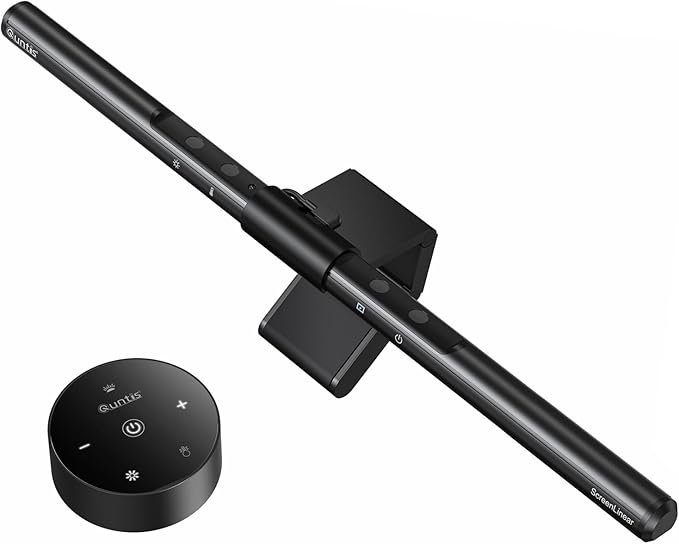
Working late under poorly positioned desk or ceiling lighting can create distracting reflections on a display. The Quntis LED Monitor Bar mounts to the top of a compatible monitor and uses an angled lighting design intended to illuminate the desk while limiting direct light on the screen.
With adjustable color temperatures and touch-dimming controls, it gives you more control over your workspace lighting for activities such as reading documents, browsing, or coding.
✓ Pros
- Angled optical design intended to limit distracting screen reflections
- Adjustable color temperature and brightness levels via touch control
- Saves desk space by mounting directly onto the monitor
✕ What We Don’t Like
- Compatibility may be limited by very curved displays or unusual monitor bezels.
Who Should Buy: Late-night workers and programmers wanting more controlled desk illumination.
Who Should Skip: Users with ultra-curved monitors or thick bezels incompatible with the bar’s mounting design.
3. AOC Noise Cancelling Wireless Earbuds: Immersive Value Audio (★ 9.3/10)
Why We Recommend It:
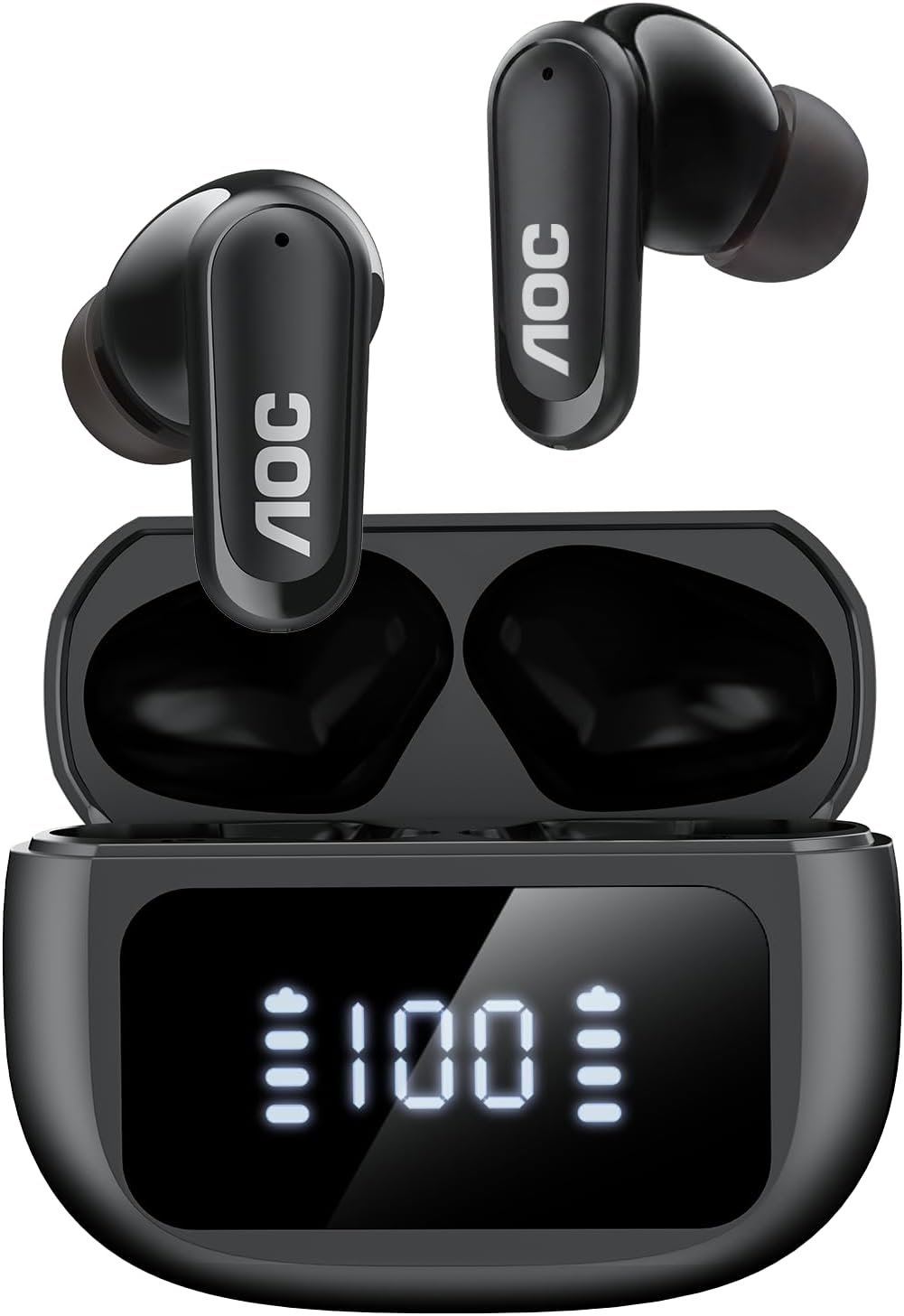
Blocking out ambient coffee shop chatter or office noise doesn’t always require premium-priced earbuds. The AOC Noise Cancelling Wireless Earbuds offer active noise cancellation, bass-focused audio features, and microphone support at a lower price point than many premium alternatives.
Equipped with an LED battery percentage display on the charging case and up to 45 hours of total playback according to the product specifications, they are positioned as an everyday option for calls, music, and focused work.
✓ Pros
- Active noise cancellation designed to reduce background distractions
- Up to 45-hour total battery life with LED case status readout
- Bluetooth connectivity for everyday wireless listening
✕ What We Don’t Like
- Case footprint may be slightly larger than some compact earbuds cases.
Who Should Buy: Budget-conscious remote workers looking for wireless earbuds with active noise cancellation.
Who Should Skip: Audiophiles specifically seeking premium high-resolution or lossless audio features.
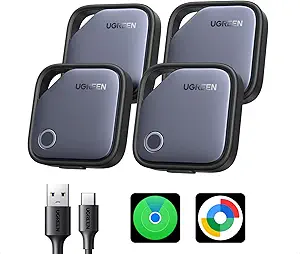
4. UGREEN SmartTrack Finder: Secure EDC Item Tracking (★ 9.2/10)
Why We Recommend It:
Misplacing your keys, wallet, or everyday-carry backpack can be frustrating. The UGREEN SmartTrack Finder is designed to work with Apple’s Find My ecosystem, giving compatible Apple users a way to locate supported belongings and receive separation-related alerts.
Its compact design can fit into wallets, bags, or key rings, making it a practical option for users who want basic item tracking without paying premium-brand pricing.
✓ Pros
- Designed for compatibility with Apple’s Find My network
- Slim, lightweight profile for wallets, bags, or key rings
- Lower-cost alternative to some well-known tracking tags
✕ What We Don’t Like
- Primarily suited to users within the Apple ecosystem.
Who Should Buy: iPhone users looking for an affordable item tracker for keys, wallets, or backpacks.
Who Should Skip: Android users who do not use or need an Apple Find My-compatible tracker.
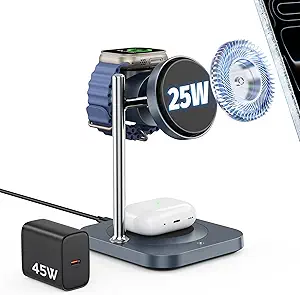
5. Qi2.2 25W Magnetic 3-in-1 Charging Station: Apple Power Dock (★ 9.4/10)
Why We Recommend It:
Managing separate charging cables for an iPhone, Apple Watch, and AirPods can make a desk feel cluttered. The Qi2.2 25W Magnetic 3-in-1 Charging Station is designed to combine charging for compatible Apple devices into a single desktop stand.
Its magnetic charging design can keep compatible devices positioned on the stand while the phone holder provides a convenient viewing angle. Actual charging speed and device compatibility depend on the specific device and charging setup.
✓ Pros
- Designed for simultaneous charging of compatible Apple devices
- Magnetic charging alignment for supported devices
- Compact desktop design can help organize charging cables
✕ What We Don’t Like
- Best suited to users with compatible Apple ecosystem devices.
Who Should Buy: Apple ecosystem users looking to charge a phone, watch, and earbuds from one desktop stand.
Who Should Skip: Android-exclusive device owners or users without compatible magnetic charging devices.
Frequently Asked Questions
Are budget tech items under $50 reliable for daily professional use?
Some can be very practical for daily use, but reliability varies by product, brand, and use case. Instead of assuming that every budget device performs like a premium alternative, check the current specifications, compatibility information, warranty, and recent buyer feedback before purchasing.
Do GaN chargers get dangerously hot during fast charging?
GaN chargers can become warm during higher-power charging, as heat is a normal part of power conversion. A quality charger should include appropriate thermal and safety protections, but users should still follow the manufacturer’s instructions, avoid covering the charger, and stop using it if it becomes unusually hot, damaged, or behaves abnormally.
Final Buying Verdict
If you want a compact upgrade for charging multiple devices, the UGREEN Nexode 65W GaN is the strongest overall pick in this guide. For a more organized desk, pairing the Quntis LED Monitor Bar with the Qi2.2 Charging Station can create a cleaner and more flexible workstation setup, provided your devices are compatible.
View Top Recommended UGREEN GaN Charger ↗