
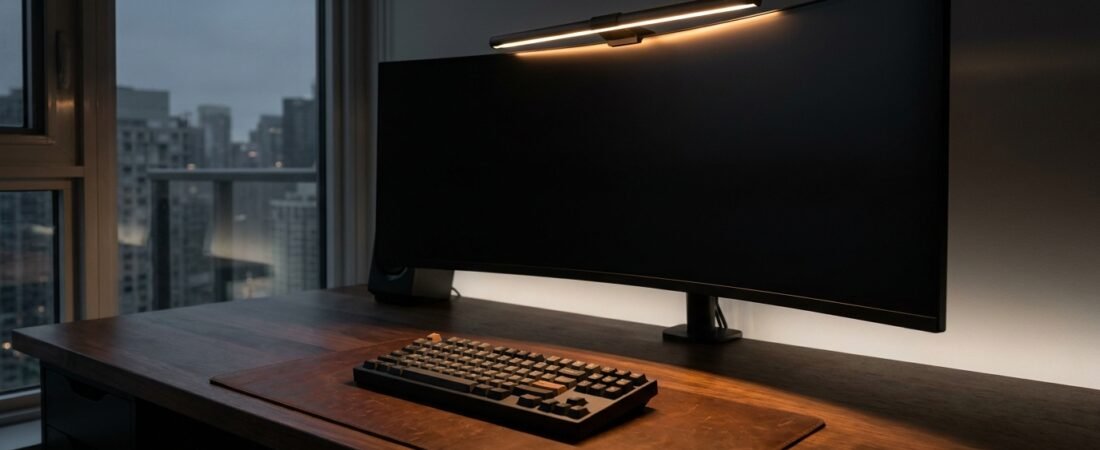
The best monitor light bars make it easier to add focused desk lighting without giving up valuable workspace. Mounted above your display, a screenbar can direct light toward your keyboard and desk surface while keeping a traditional desk lamp off your work area.
They can be useful for home offices, gaming setups, and other workspaces where you spend time at a desk after dark. In this guide, we compare three monitor light bars across practical factors including lighting design, controls, build quality, monitor compatibility, and overall value. These are editorial comparisons based on published product information rather than hands-on laboratory testing. Prices, specifications, and availability can change, so check the current product listing before buying.
Our Top Monitor Light Bar Picks
- Best Overall: BenQ ScreenBar Halo — The most complete option here, with front and rear lighting, wireless control, and premium features.
- Best Value: Xiaomi Mi Computer Monitor Light Bar — A strong middle-ground choice with metal construction, wireless controls, and adjustable lighting.
- Best Budget: YEELIGHT Monitor Light Bar — A simpler monitor-mounted option for buyers who want basic lighting without extra hardware.
3 Monitor Light Bars Worth Considering
BenQ ScreenBar Halo
Front and rear lighting, wireless rotary control, and compatibility features for premium monitor setups.
Xiaomi Mi Light Bar
Metal construction, wireless rotary control, adjustable color temperature, and a minimalist footprint.
YEELIGHT Screen Bar
Compact monitor-mounted lighting with integrated touch controls for straightforward everyday use.
In This Guide
| Product | Standout Feature | Control | CRI | Best For | Link |
|---|---|---|---|---|---|
|
BenQ ScreenBar Halo
★ Top Pick
|
Front + rear lighting | Wireless rotary puck | Ra ≥95 | Premium / Curved | View Deal |
| Xiaomi Mi Light Bar | Magnetic adjustable mount | Wireless metal dial | Ra 90 | Value / Minimalist | View Deal |
| YEELIGHT Screen Bar | Touch brightness control | Capacitive touch | Ra 90 | Budget | View Deal |
How to Choose the Best Monitor Light Bar
The best monitor light bars are not necessarily the brightest ones. A better choice depends on how the light is directed, how securely the bar fits your monitor, how easy it is to adjust, and whether its features match the way you use your desk.
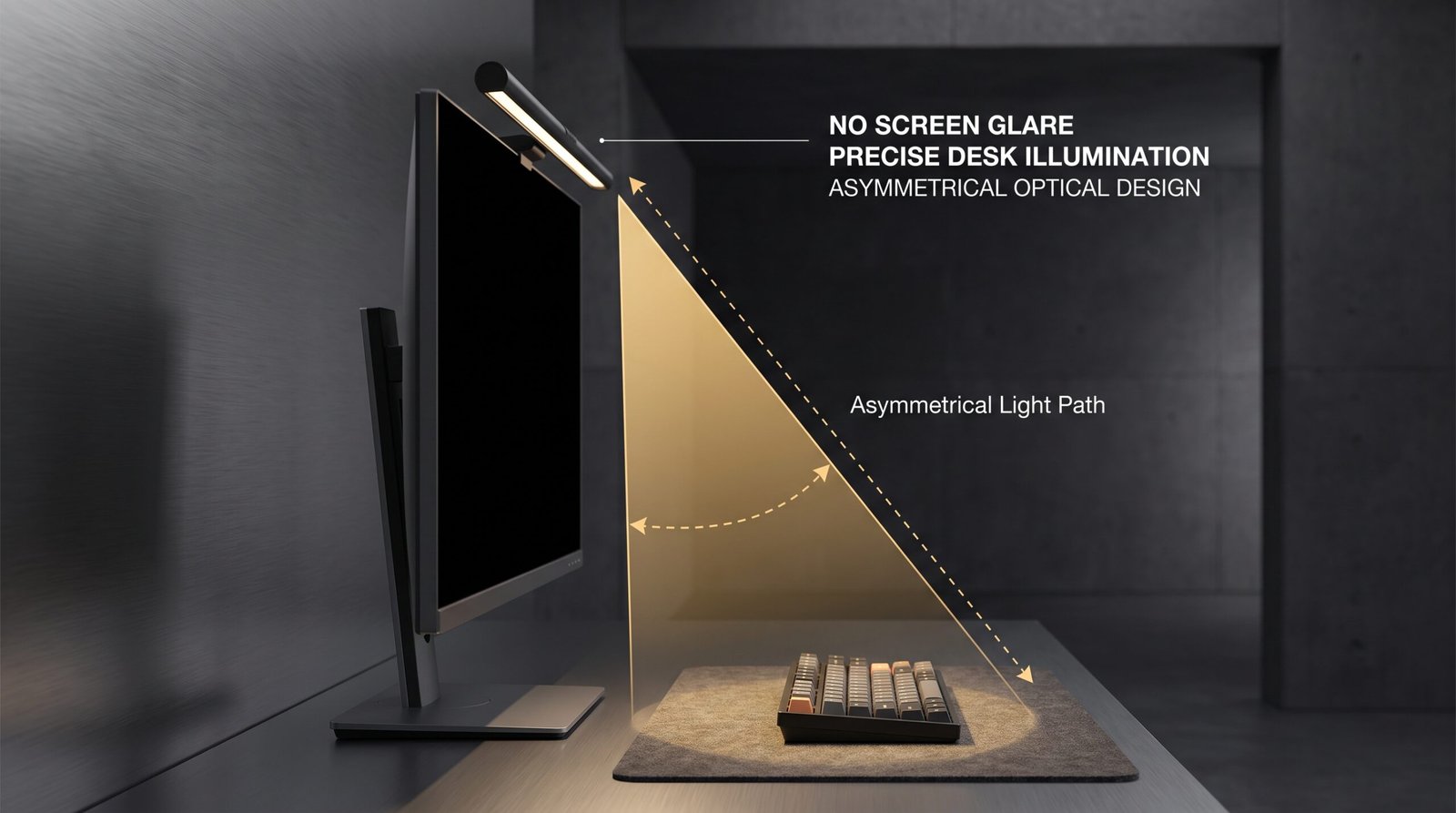
Asymmetrical optical designs aim to direct light toward the workspace while limiting direct reflections on the display.
When comparing monitor light bars, these four practical factors are worth checking before you buy:
- Asymmetrical Optical Design: Look for a beam pattern designed to direct light toward your keyboard, mouse, and desk surface rather than straight into the display. This can help limit distracting reflections, although the result also depends on your monitor and room lighting.
- Color Rendering: A higher CRI can make colors appear more natural under the light. Ra90 or higher is a useful specification to consider if accurate color appearance matters to you, although CRI is only one part of overall lighting quality.
- Mounting and Compatibility: Check the supported monitor thickness, mounting design, and curved-monitor compatibility before buying. Frameless, unusually shaped, or very thin displays may require extra attention.
- Controls and Adjustability: Think about how often you expect to change brightness or color temperature. A wireless dial is convenient if you make frequent adjustments, while built-in touch controls can keep a simpler setup more compact.
1. BenQ ScreenBar Halo – Best Overall (★ 9.6/10)
Why We Recommend It:
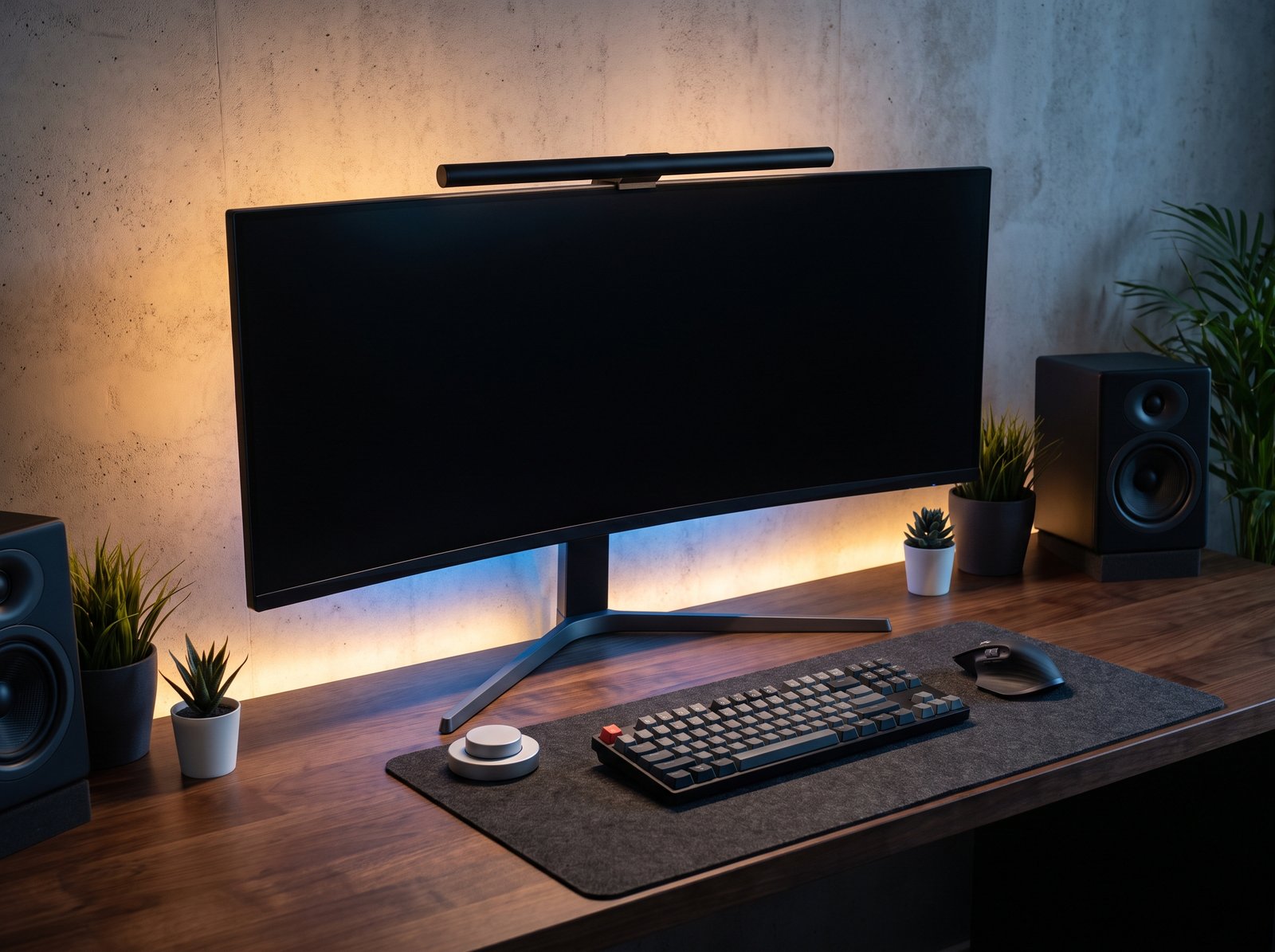
The BenQ ScreenBar Halo stands out for combining front-facing task lighting with rear ambient lighting in one monitor-mounted design. That makes it a strong choice for buyers who want a more complete desk-lighting setup without placing a traditional lamp on the work surface.
Its wireless rotary controller makes brightness and color-temperature adjustments convenient from the desk. BenQ also offers a curved-monitor accessory designed to improve compatibility with supported curved displays.
- CRI: Ra ≥95
- Control: Wireless rotary puck
- Power: USB, 5V / up to 1.3A
- Lighting: Front + rear ambient lighting
- Color Temperature: 2700K–6500K
✓ Pros
- Front and rear lighting in one unit
- Convenient wireless rotary controller
- Strong fit for premium and supported curved-monitor setups
✕ What We Don’t Like
- Premium price compared with simpler screenbars
- Wireless controller uses AAA batteries
Who Should Buy: Buyers who want premium lighting features, wireless control, and front-and-rear illumination in a more complete desk setup.
Who Should Skip: Casual users who only need basic monitor lighting and want to spend as little as possible.
2. Xiaomi Mi Computer Monitor Light Bar – Best Value (★ 9.1/10)
Why We Recommend It:
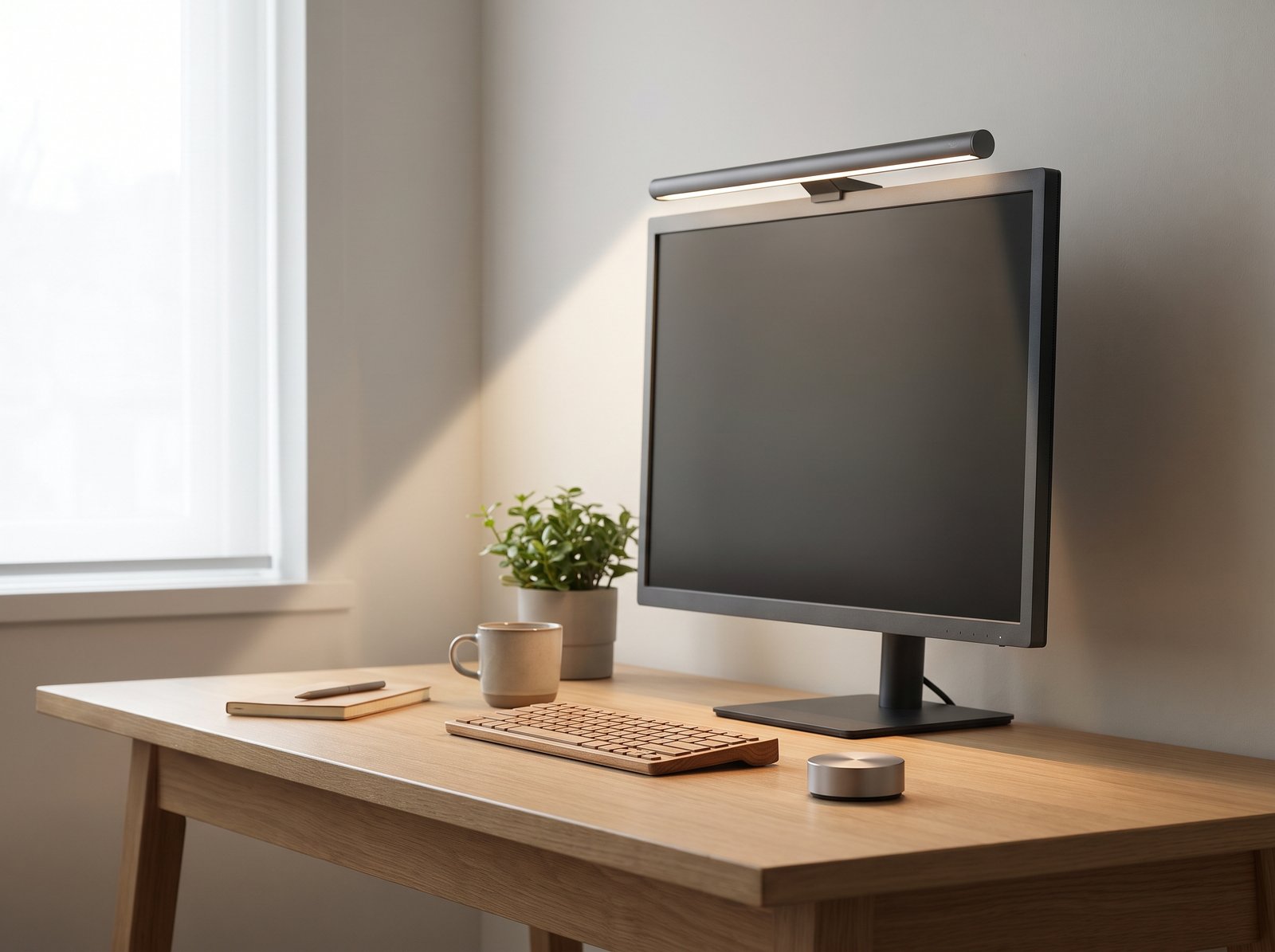
If you want a clean-looking monitor light with a wireless desktop controller without moving into the premium price range, the Xiaomi Mi Computer Monitor Light Bar is a compelling value option. Its metal body and magnetic mounting design suit minimalist desk setups particularly well.
The included 2.4GHz wireless dial provides desk-level control over power, brightness, and color temperature. Its asymmetrical optical design is intended to direct illumination toward the workspace while limiting direct light toward the display.
- CRI: Ra 90
- Control: Wireless 2.4GHz rotary dial
- Power: USB Type-C
- Body: Metal construction
- Color Temperature: 2700K–6500K
- Mount: Magnetic adjustable mount
✓ Pros
- Premium-feeling metal construction
- Convenient wireless rotary dial
- USB-C power and adjustable magnetic mounting
✕ What We Don’t Like
- Compatibility depends on monitor thickness and rear design
- CRI is lower than the BenQ Halo’s rated CRI
Who Should Buy: Value-conscious users who want metal construction, adjustable lighting, and wireless desktop control.
Who Should Skip: Users who want the highest CRI rating in this comparison or built-in rear ambient lighting.
3. YEELIGHT Monitor Light Bar – Best Budget (★ 8.7/10)
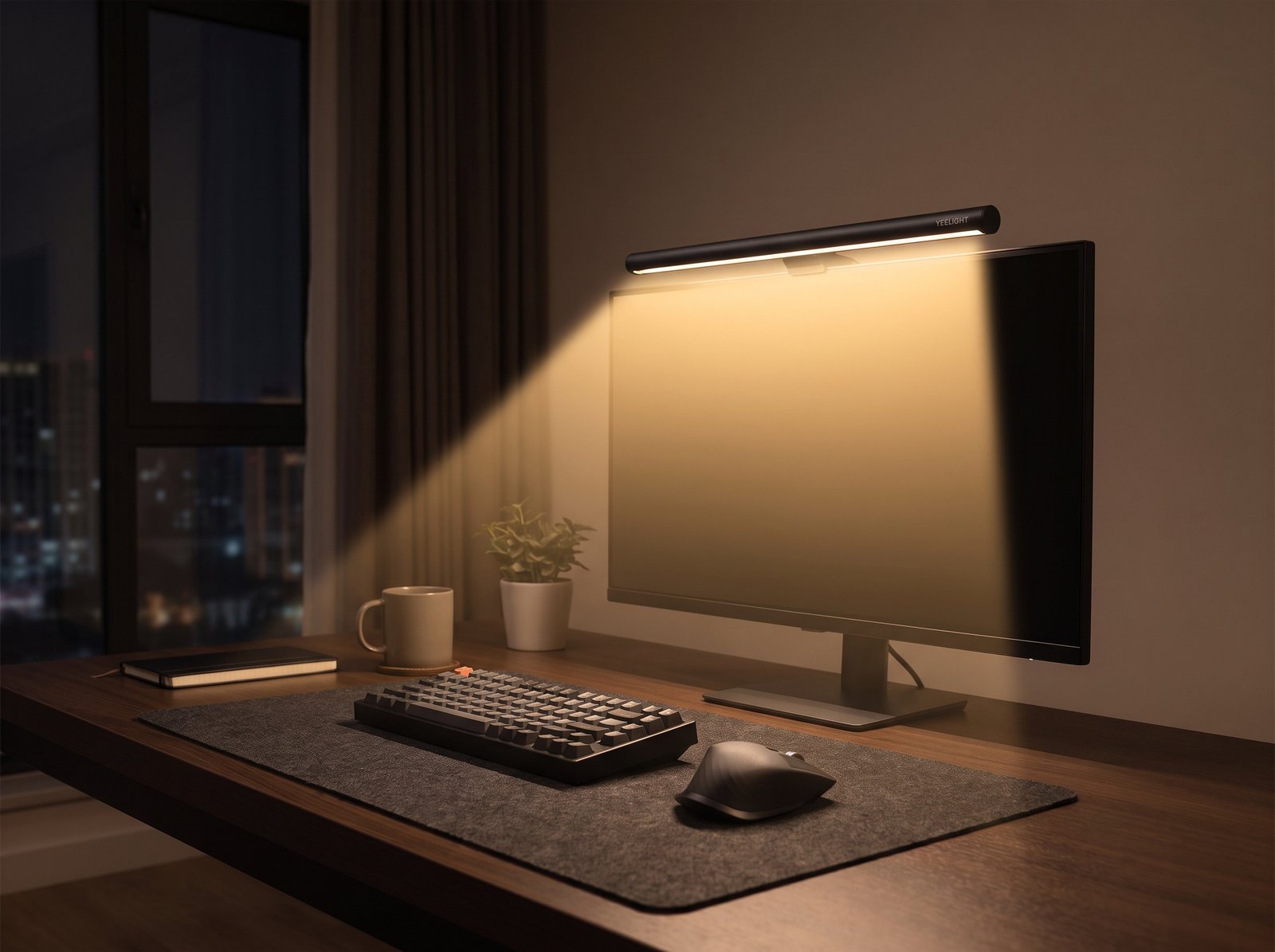
Why We Recommend It:
For a straightforward and affordable setup, the YEELIGHT Monitor Light Bar focuses on the essentials. Its compact design and integrated touch controls make it a practical option for students, home-office users, and minimalist desk setups.
Instead of adding a separate desktop controller, the light bar uses touch controls for brightness and color adjustments. Its asymmetrical light design is intended to illuminate the workspace while helping limit distracting reflections on the screen.
- Brightness: 250 lumens
- Control: Capacitive touch controls
- Dimming: Stepless brightness adjustment
- Color: Multiple color-temperature settings
- Power: USB
✓ Pros
- Simple and compact design
- Integrated touch controls with no separate desk dial
- Good fit for budget-focused desk setups
✕ What We Don’t Like
- Touch controls require reaching up to the monitor
- Fewer premium convenience features than the BenQ Halo
Who Should Buy: Students, home-office users, and minimalists looking for straightforward monitor-mounted lighting.
Who Should Skip: Users who strongly prefer a wireless external controller or premium rear ambient lighting.
Frequently Asked Questions
Are monitor light bars worth it?
They can be worthwhile if you work at a desk in the evening and want focused workspace lighting without using a traditional desk lamp. They also free up desk space, but the value depends on your existing room lighting, monitor setup, and how often you work after dark. If your workspace is already well lit, you may not need one.
Do monitor light bars reduce screen glare?
A well-designed monitor light bar can direct illumination toward the desk instead of directly toward the display, which may help limit distracting reflections. The result depends on the light’s optical design, monitor surface, room lighting, and viewing angle, so no screenbar can eliminate glare in every setup.
Will a monitor light bar fit a curved or frameless monitor?
Compatibility depends on the light bar’s mounting design and your monitor’s thickness, shape, and rear construction. If you use a curved, frameless, or unusually thin display, check the manufacturer’s compatibility requirements before buying.
The Verdict: Which Monitor Light Bar Should You Choose?
The best monitor light bars can add focused workspace illumination while taking up very little desk space. The BenQ ScreenBar Halo is the strongest choice if you want premium features, front-and-rear lighting, and wireless control. The Xiaomi Mi Light Bar offers a strong balance of build quality, adjustable lighting, and wireless controls. If keeping the setup simple and affordable matters most, the YEELIGHT Screen Bar covers the basics without adding a separate controller.
Check BenQ ScreenBar Halo on Amazon ↗Editorial Note: Our scores are editorial ratings based on published specifications, features, compatibility, design, and overall value. They are not laboratory measurements or hands-on test scores. Prices, product configurations, and availability may change over time, so check the current product listing before buying.