
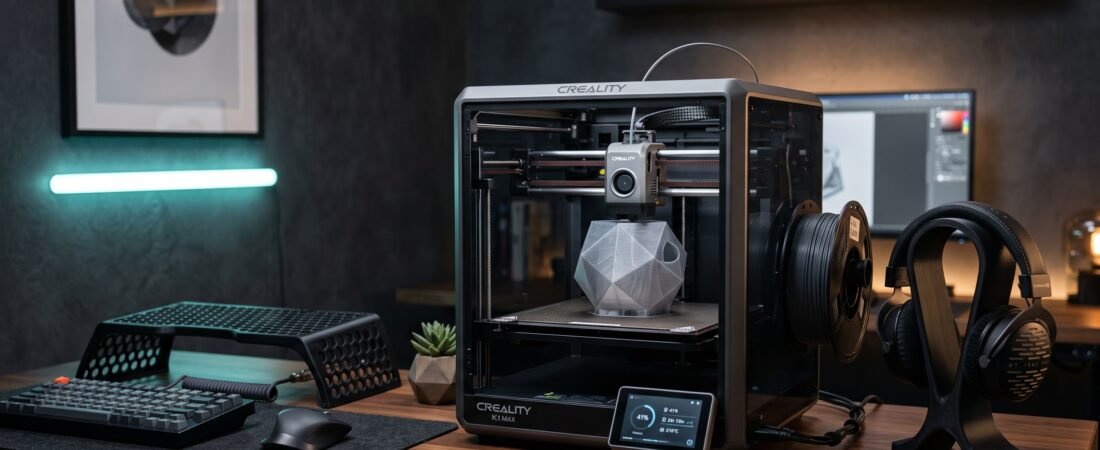
Looking for the best 3D printers for desk setups and home workspaces? Printing your own gear can turn a desktop 3D printer into a practical tool for custom honeycomb keyboard risers, discreet under-desk headphone mounts, snap-on monitor shelves, and other workspace accessories. However, the marketplace is crowded with over-hyped hardware, aggressive fan noise, and steep learning curves. In this guide, we compare four models using published specifications, product information, and customer feedback to find the best 3D printers for desk setups that balance speed, reliability, and workspace acoustics.
Top 3D Printer Picks at a Glance
- Best High-Speed Core-XY on Amazon: Flashforge Adventurer 5M — Zero-assembly workhorse with quick-swap nozzles.
- Best Budget Starter: Creality Ender-3 V3 SE — Direct drive and auto-leveling for under $200.
- Best Multi-Color & Ecosystem: Bambu Lab A1 Combo — Effortless 4-color automation via AMS Lite and mobile printing.
- Buyer Beware / High Return Warning: Creality K1C — Heavily hyped, but carries an Amazon “Frequently Returned Item” alert.
In This Guide
- 1. Creality Ender-3 V3 SE — Best 3D Printers for Desk Setups on a Budget
- 2. Flashforge Adventurer 5M — Best Out-of-the-Box Core-XY on Amazon
- 3. Creality K1C — Why We Do NOT Recommend It (Frequently Returned Warning)
- 4. Bambu Lab A1 Combo — The Refined Multi-Color Benchmark
- Practical Gear You Can Print with the Best 3D Printers for Desk Setups
- Frequently Asked Questions
- Final Verdict
|
3D Printer Benchmark & Hardware Comparison
Scroll right →
|
|||||
|---|---|---|---|---|---|
| MODEL | ARCHITECTURE | MAX SPEED | MULTI-COLOR | VERDICT | STORE |
| Creality Ender-3 V3 SE BUDGET PICK | Bed-slinger (Open) | 250 mm/s | Manual Only | Best under $200 | Check Price ↗ |
| Flashforge Adventurer 5M ★ TOP AMAZON PICK | Core-XY (Open) | 600 mm/s | Manual Only | Best Plug & Play | Check Price ↗ |
| Creality K1C RETURN WARNING | Core-XY (Enclosed) | 600 mm/s | Manual Only | Not Recommended | Excluded |
| Bambu Lab A1 Combo MULTI-COLOR KING | Bed-slinger (Open) | 500 mm/s | 4 Colors (AMS Lite) | Easiest App & Software | Check Price ↗ |
1. Creality Ender-3 V3 SE — Best 3D Printers for Desk Setups on a Budget
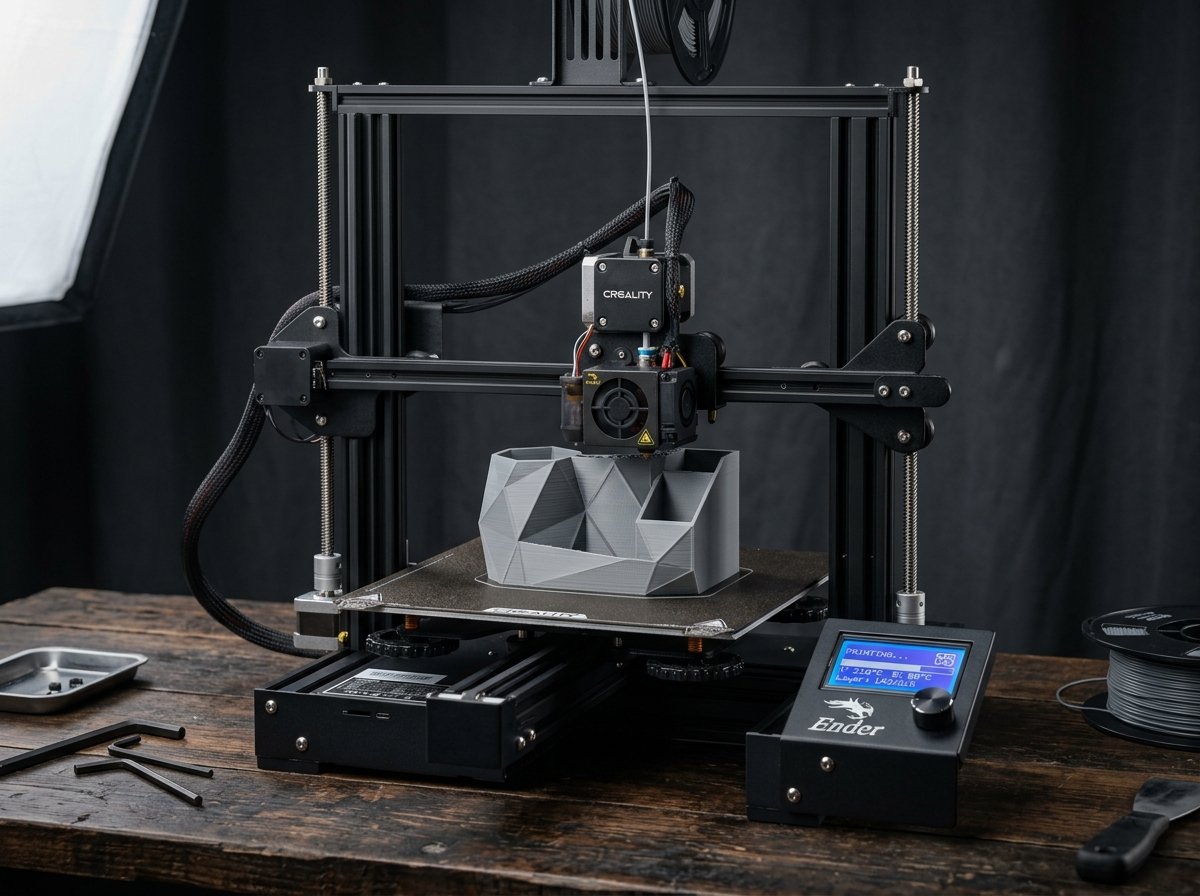
Why We Recommend It:
If your budget is strictly capped around the $200 mark, the Creality Ender-3 V3 SE is the lowest cost of entry into desktop 3D printing without sacrificing modern essentials. Unlike older generation Ender-3 models that forced you to level the bed manually using a sheet of paper, the V3 SE integrates a strain-gauge CR-Touch auto-leveling sensor and a “Sprite” direct-drive extruder. It prints basic PLA and PETG desk organizers reliably once calibrated, and its massive community footprint means cheap replacement nozzles, belts, and heatbeds are available on Amazon with next-day shipping.
✓ Pros
- Direct-drive extruder under $200 handles flexible TPU nicely
- Massive global community with cheap, ubiquitous spare parts on Amazon
- Excellent hands-on mechanical platform for learning 3D printing fundamentals
✕ What We Don’t Like
- Auto Z-offset requires manual tuning to prevent nozzle gouging
- Frame screws and eccentric nuts loosen over time due to vibrations
- Creality Print software is clunky compared to modern OrcaSlicer profiles
Who Should Buy: Beginners on a tight budget who don’t mind turning an Allen wrench and troubleshooting settings.
Who Should Skip: Anyone seeking an appliance-grade tool that prints instantly without manual maintenance.
Planning to design your own ergonomic desktop items? Pair your printer setup with our Best Ergonomic Desk Accessories guide for practical ideas on organizing an optimized workstation.
2. Flashforge Adventurer 5M — Best Out-of-the-Box Core-XY on Amazon
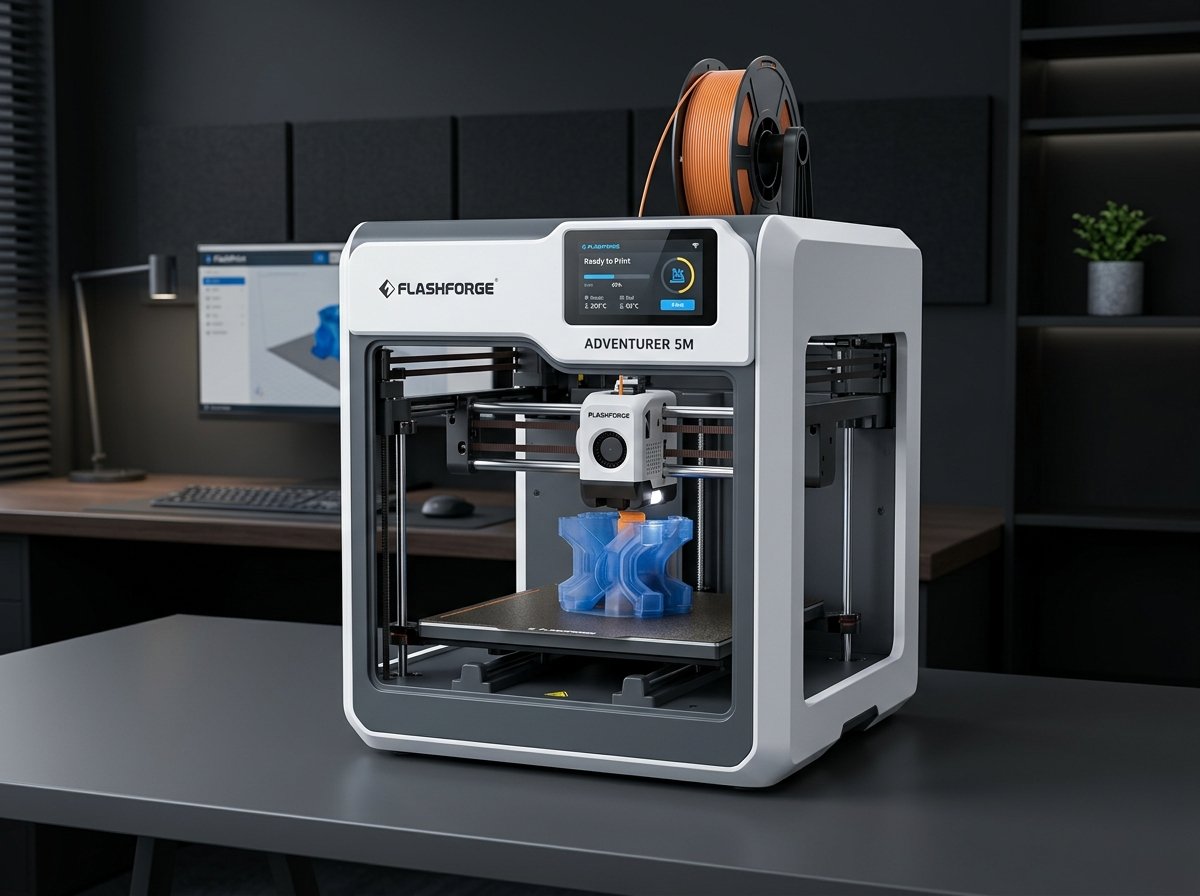
Why We Recommend It:
If you want high-speed Core-XY performance from a readily available consumer printer, the Flashforge Adventurer 5M is one of the strongest options on Amazon Prime. Setup is completed in roughly 10 to 15 minutes: mount the spool, run the automated leveling and vibration routine, and begin printing. Its standout mechanical feature is the tool-free, one-click quick-swap nozzle mechanism, making it effortless to switch between 0.4mm high-detail prints and 0.6mm rapid structural drafts without wrenches or hotend burns.
✓ Pros
- True Core-XY cubic kinematics keep rapid prints stable up to 600 mm/s
- Tool-free quick-swap nozzle mechanism swaps in seconds without wrenches
- Full out-of-the-box automated bed leveling and vibration input shaping
✕ What We Don’t Like
- Proprietary integrated nozzle assembly costs more than generic brass tips
- Cooling fans spin loudly at maximum acceleration next to a work desk
- No automated multi-color feeder system like Bambu Lab’s AMS
Who Should Buy: Professionals who want fast, reliable functional desk parts without mechanical fuss.
Who Should Skip: Creators whose core priority is multi-color figurines or ultra-quiet desk operation.
3. Creality K1C — Why We Do NOT Recommend It (Frequently Returned on Amazon)
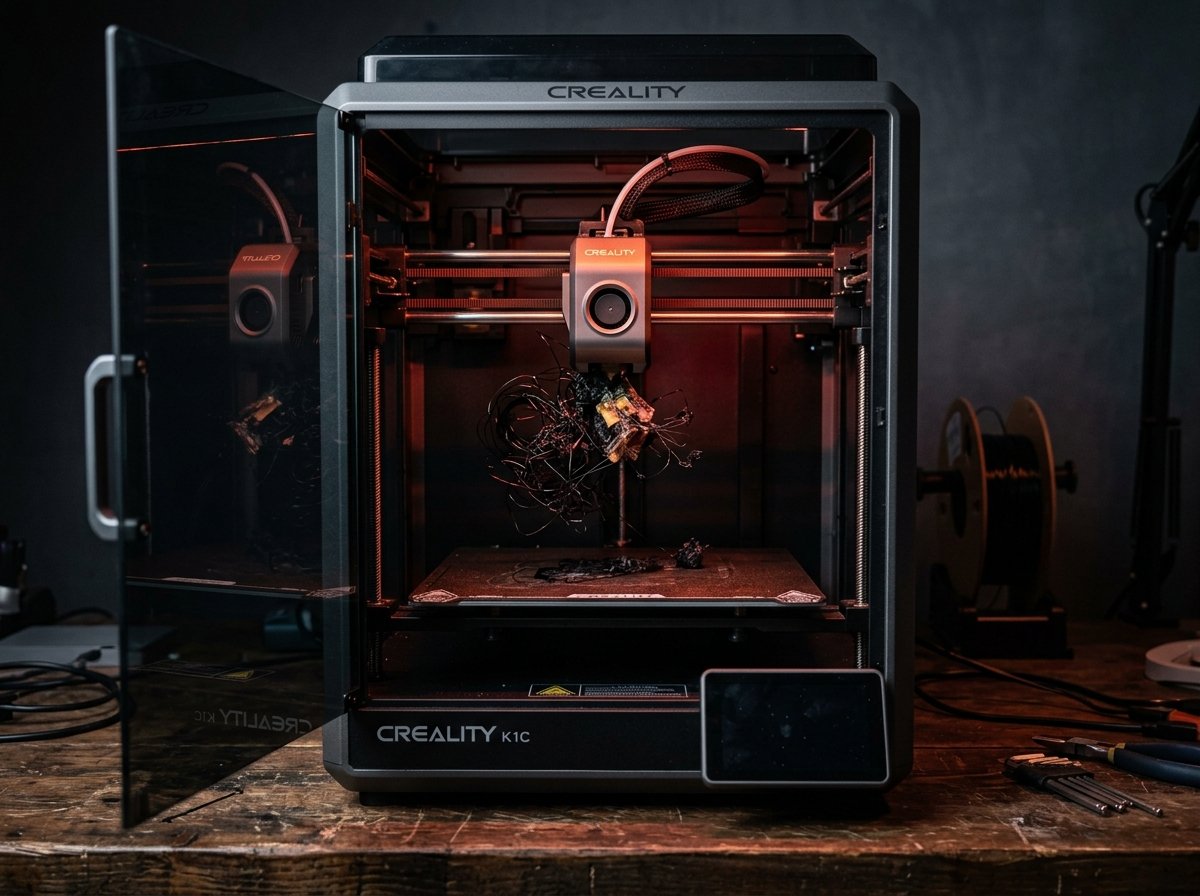
The Real-World Failure Points:
On paper, the K1C looks impressive with an enclosed chamber, hardened steel nozzle, and high advertised speeds. But in real home-office usage, PLA heat creep is a persistent issue. When printing standard PLA with the chamber closed, internal temperatures rise quickly, softening filament before it reaches the hotend and jamming the extruder gears. Creality’s own manual recommends removing the top cover when printing PLA, defeating the primary appeal of a clean, fully enclosed desktop printer.
Hardware Specs
- Hardened steel tri-metal nozzle handles abrasive carbon fiber composites
- Enclosed chamber retains ambient heat for engineering ABS and ASA
- Integrated internal chamber camera for basic AI spaghetti detection
✕ Critical User Complaints
- Officially flagged on Amazon as a “Frequently Returned Item”
- PLA heat creep requires removing the top glass cover to prevent extruder jams
- High fan noise levels make it disruptive in a shared home office environment
Our Advice: Do not fall for the marketing hype. If you want a reliable high-speed Core-XY printer without extruder headaches, choose the Flashforge Adventurer 5M instead.
4. Bambu Lab A1 Combo — The Refined Multi-Color Benchmark
Why We Recommend It:
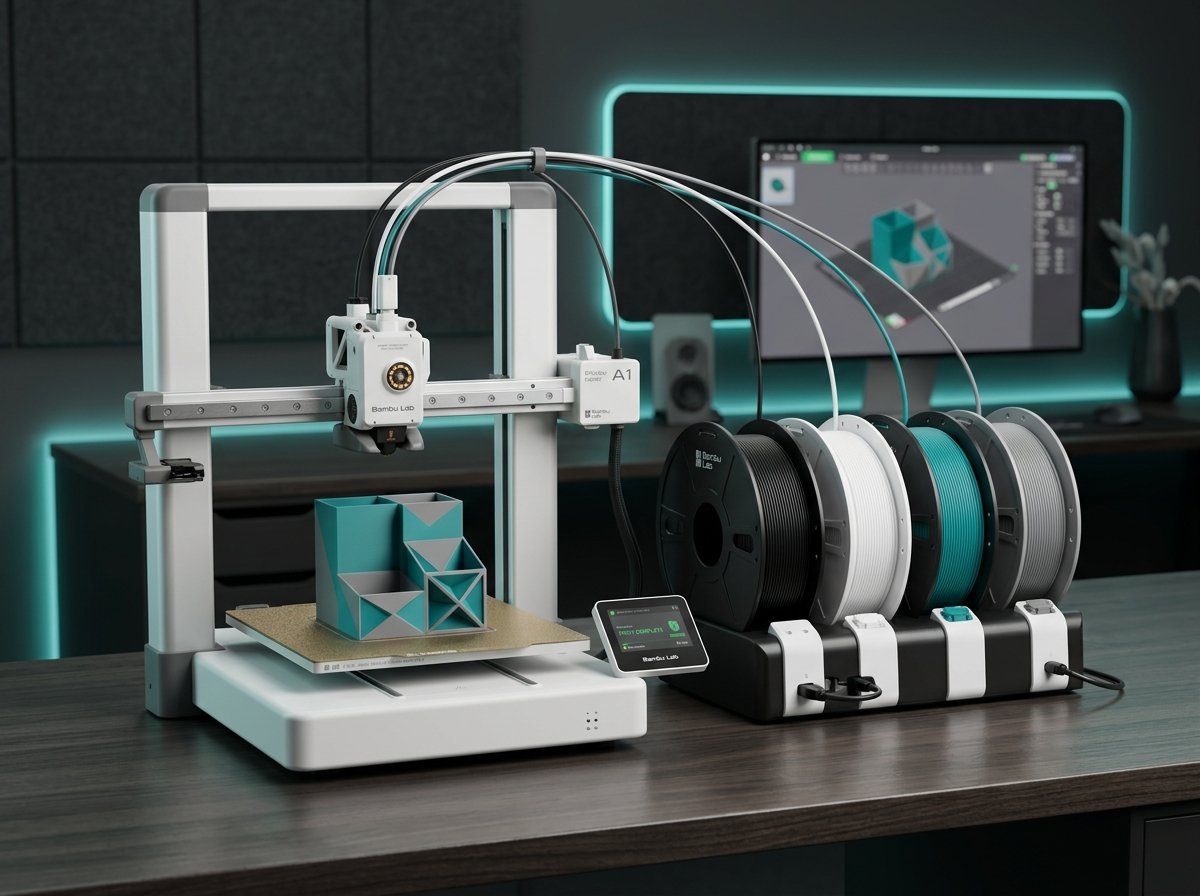
The Bambu Lab A1 Combo represents the gold standard for desktop user experience. Equipped with the AMS Lite 4-spool feeder, it handles multi-color filament retraction, cutting, and loading automatically without requiring any manual toolhead changes. For a home office setup, its active motor noise cancellation minimizes high-frequency motor hums, allowing it to run smoothly alongside your desk. Backed by the intuitive Bambu Handy mobile app and Bambu Studio, it delivers a modern, appliance-like workflow from slicing to finished print.
✓ Pros
- Automated 4-color printing via AMS Lite without manual color swapping
- Active motor noise cancellation designed for quiet desk operation
- Bambu Handy and Bambu Studio provide the most seamless software ecosystem
✕ What We Don’t Like
- Generates plastic waste (“purge poop”) and extends print times on multi-color jobs
- Larger total footprint on your desk with the AMS Lite feeder unit attached
- Open bed-slinger architecture cannot print draft-sensitive ABS or ASA
Who Should Buy: Anyone wanting convenient multi-color desk projects, automated calibration, and mobile controls.
Who Should Skip: Makers demanding an enclosure for high-temperature carbon fiber filaments or open-source hardware modding.
Practical Gear You Can Print with the Best 3D Printers for Desk Setups
You don’t need advanced CAD design skills to make your 3D printer useful. Free community repositories like MakerWorld and Printables offer thousands of tested, production-ready workspace models:
- Honeycomb Keyboard Tilt Risers: Replace brittle keyboard legs with vibration-absorbing, custom-angled stands.
- Under-Desk Headphone & Controller Mounts: Screw sleek hangers beneath your desktop to eliminate tabletop clutter.
- Snap-On Monitor Top Shelves: Utilize unused space above your screen to support stream decks, webcams, or desk lights.
- Magnetic Cable Raceways: Snap-fit channels that adhere to metal standing desk legs for invisible wire runs.
Frequently Asked Questions
Why does the Creality K1C carry a Frequently Returned Item notice on Amazon?
Despite aggressive marketing hype, the K1C generates high return numbers primarily due to PLA heat creep. When standard PLA is printed with the glass enclosure closed, heat expands the filament inside the extruder gears, leading to frequent clogging. High cooling fan noise is another common complaint from home office buyers.
Core-XY vs. Bed-slinger: Which is ideal for the best 3D printers for desk setups?
Core-XY printers (like the Adventurer 5M) have a bed that only moves vertically along the Z-axis, taking up less front-to-back depth and producing significantly less desk vibration than bed-slingers.
Is the Bambu Lab A1 Combo worth the extra cost over budget printers?
Yes, if multi-color printing and mobile ease are your priorities. The AMS Lite handles color transitions seamlessly, and the active motor noise cancellation makes it quiet enough to run beside your computer during work hours.
Final Verdict
Finding the best 3D printers for desk setups comes down to balancing speed, sound levels, and automated features. For fast, reliable Core-XY performance right out of the box, the Flashforge Adventurer 5M is our top Amazon recommendation. If your budget is strictly under $200 and you want to learn hands-on mechanics, pick the Creality Ender-3 V3 SE. For effortless multi-color desk accessories and mobile convenience, the Bambu Lab A1 Combo is the gold standard. We recommend skipping the over-hyped Creality K1C due to its high Amazon return rate and persistent PLA heat-creep issues.
See the Top Amazon 3D Printer Pick ↗